Most home office advice quietly assumes you have a spare room: a door you can close, a desk that never has to move, nobody else’s stuff in it. If that is not your home, the advice falls apart fast — and that is why so many people end up working from the kitchen table, the sofa, or the bed, wondering why their back aches and their focus is gone by midday.
Learning how to set up a home office in a small space takes a plan, a tape measure, and the discipline to buy things in the right order — not a spare room or a big budget. A bedroom corner, a stretch of living-room wall, a closet, even the space under the stairs can hold a proper workspace, with the screen at the right height and a chair that supports you.
Written by Md Masud Rana based on published expert sources. This article has not been professionally reviewed. See our sources below.
Quick Answer
You can set up a home office in a small space with about 100 × 135 cm of floor — roughly a 100 cm-wide desk and 75–90 cm of clear space behind the chair. Measure before buying anything, and buy the chair before the desk. Set the top of the screen at eye level and about an arm’s length away, sit side-on to the window, store things vertically, and finish each day with a five-minute reset.
Contents
- How Much Space Do You Actually Need for a Small Home Office?
- Where Should You Put a Home Office in a Small Space?
- Which Desk Works Best in a Small Space?
- How Do You Choose a Chair That Fits a Small Office?
- How to Set Up Your Screen, Keyboard and Chair for Your Body
- How Do You Light a Small Home Office — and Look Decent on Video Calls?
- How Do You Keep a Small Home Office Tidy, Quiet and Separate?
- What Recent Guidance Says
- Common Mistakes to Avoid
- Final Recommendations
- Frequently Asked Questions
How Much Space Do You Actually Need for a Small Home Office?
Less than you think. The assumption that you need a whole room is what stops most people from starting at all. A functional home office is really a rectangle of floor: the desk, the chair, and enough room to push the chair back and stand up.
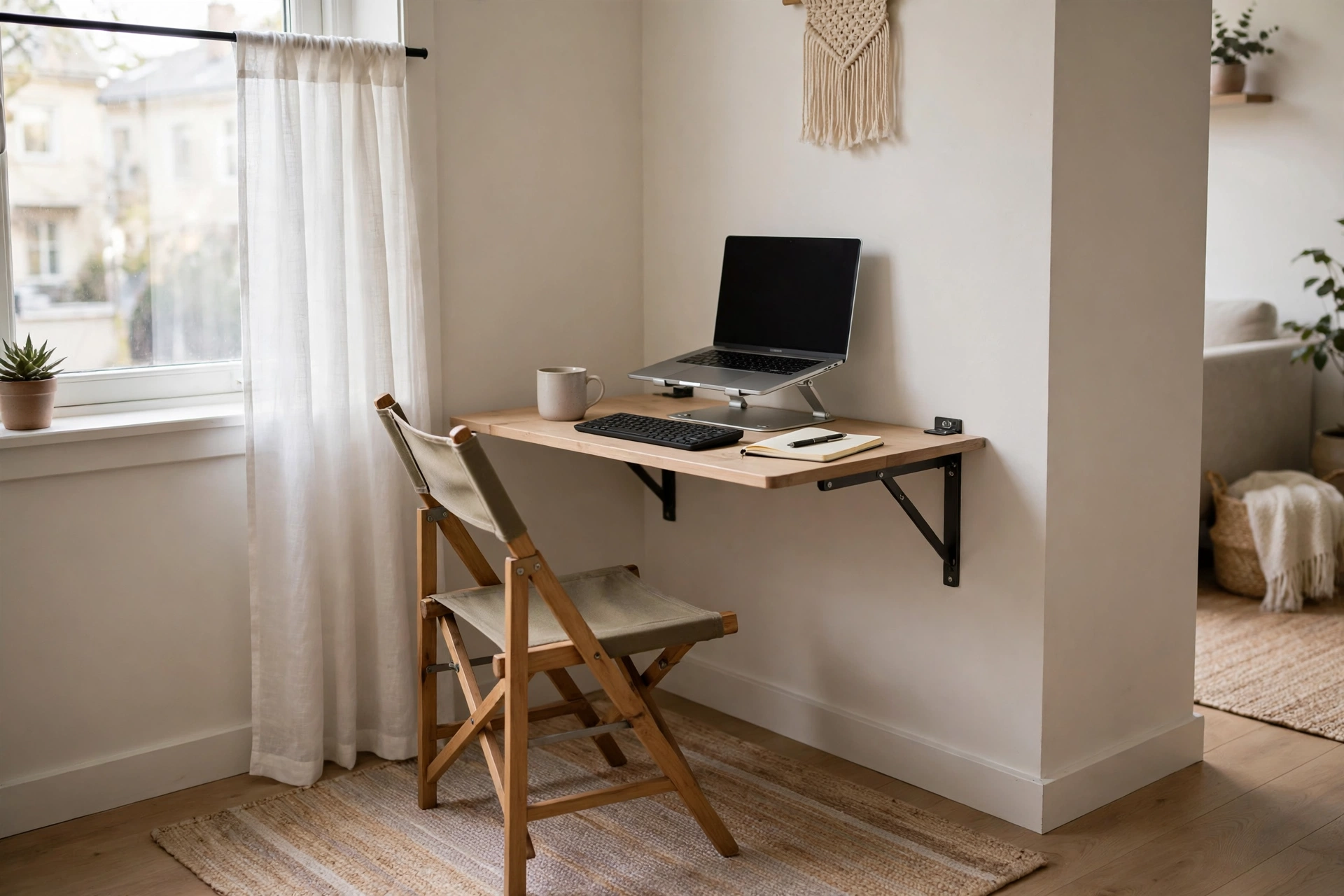
For a laptop and a notebook, a desk about 75–100 cm wide (30–40 inches) is enough. Add an external monitor, a keyboard and a lamp, and you will want 100–120 cm (40–48 inches). Depth matters too: 50 cm works for laptop-only days, while 60 cm or more is far more comfortable with a monitor. Behind the desk, plan roughly 75–90 cm (30–36 inches) of clear floor — a realistic working rectangle is about 100 × 135 cm.
For scale, Ireland’s Health Service Executive suggests at least 4.65 square metres per desk-based worker as a guide for office space. A home setup will often be tighter than that — what counts is whether the chair, the screen and your legs all have somewhere to go.
Measure first, buy second
Take four measurements before you look at a single desk: the free wall, corner to corner; the depth you can spare without blocking a walkway; the chair zone behind the desk; and the height of any windowsill or radiator the desk would sit against. Then tape the rectangle on the floor and live with it for a day — walk past it, sit in an imaginary chair, open the door next to it. This five-minute test catches the classic mistake: a desk that fits the wall perfectly and leaves no room to sit at it.
A simple footprint table
| Setup | Desk width | Desk depth | Chair clearance | Floor needed |
|---|---|---|---|---|
| Laptop only | 75–100 cm | 45–50 cm | 75 cm | ~100 × 125 cm |
| Laptop + monitor | 100–120 cm | 60 cm | 75–90 cm | ~120 × 135 cm |
| Dual monitors | 120–140 cm | 60–80 cm | 90 cm | ~140 × 150 cm |
These are planning ranges, not rules. A taller person needs more legroom; a laptop-only worker needs less width. If your taped rectangle is smaller than the laptop-only row, the answer is not a smaller desk — it is a different spot, or a fold-down desk.
Where Should You Put a Home Office in a Small Space?
The best spot is rarely the most obvious one. People tend to start with wherever the Wi-Fi is strongest, then spend months working in a dark corner or with their back to a busy doorway. Three things matter more than square metres: decent light, a boundary you can feel, and a spot you can leave at the end of the day.
Walk your home with fresh eyes and look for dead space rather than spare rooms: a bedroom corner nobody uses, the end of a hallway, the wall beside the sofa, the alcove under the stairs, a closet full of things you have not touched in a year. Most homes have one of these. The trick is recognising it as an office before it becomes a dumping ground.
The bedroom corner
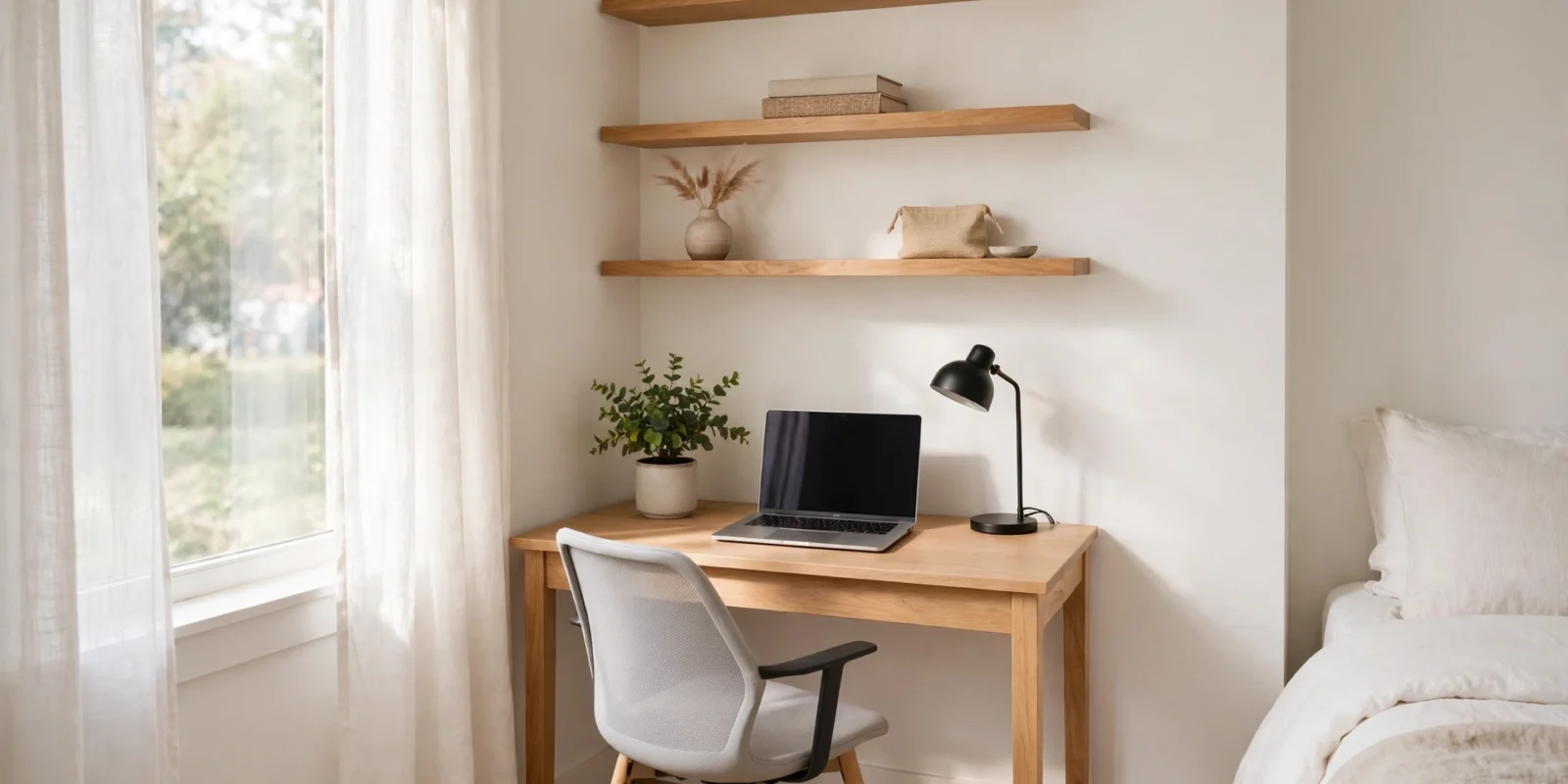
This is the most common small-space office, and it works when the desk has a clear boundary. Put it in the corner furthest from the bed, facing the wall or the window — never facing the bed. Your brain needs to switch off at night, and staring at your inbox from your pillow makes that harder. A small rug, a work-hours-only lamp, or a folding screen all help the corner feel like a place with a job.
The closet office, or “cloffice”
A spare reach-in closet makes a surprisingly complete office. Take the rail out, fit a desktop across it at about 73–76 cm high (29–30 inches), and add shelves above. A standard reach-in closet is about 55–60 cm deep, which suits a desk exactly. The biggest advantage is the ending: when the doors close, the office is gone — and in a bedroom, hiding work at 6pm protects your sleep.
The living room, the hallway, and under the stairs
If the living room is your only option, put the desk against a solid wall or side-on to a window, never facing the television. A fold-down desk or a slim console-depth desk keeps the room feeling like a living room after hours, and facing into the room helps too — a blank wall all day is quietly draining, and it makes video calls look like you are sitting in a cupboard.
Under-stair alcoves suit a shallow desk at the tall end, with shelves fitted above. A wide hallway can hold a slim desk if it leaves a clear walkway. Behind the sofa, a desk 90–100 cm wide and 45–50 cm deep tucks in neatly. If you rent, skip anything that needs drilling until you have checked your agreement; freestanding desks and leaning shelves create a workspace without touching the walls.
Which Desk Works Best in a Small Space?
Desks are where most small-office budgets go wrong, because people buy for the room they wish they had instead of the work they actually do. A 140 cm desk in a 3 × 3 metre room dominates everything and leaves no room for a chair or a person walking past. Start from your work: what sits on the desk, all day, every day?
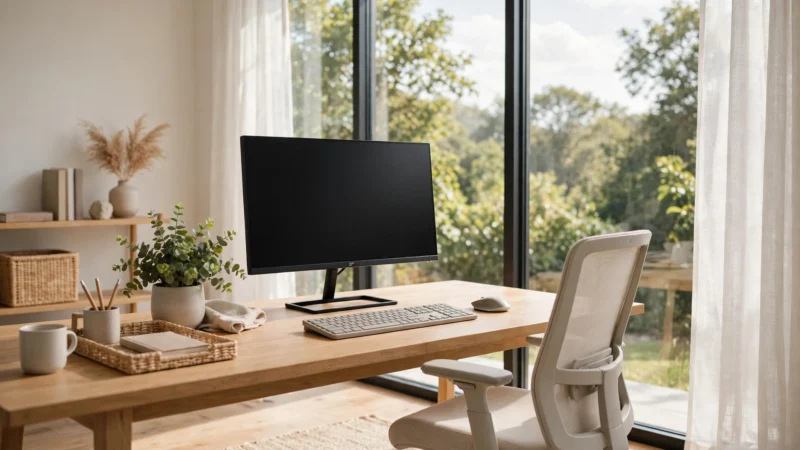
If the answer is a laptop and a notebook, a compact desk 80–100 cm wide is plenty. With an external monitor and a separate keyboard, you need 100–120 cm and at least 60 cm of depth, or the screen ends up too close and your wrists hang off the front edge. Two monitors need 120 cm or more — or a monitor arm, which frees the back of the desk. If your day involves paper, depth matters more than width, because paper spreads forward, not sideways.
Desk shapes solve different problems. A corner or L-shaped desk gives two work zones for a second screen but needs 120 cm along each wall. A fold-down desk is best when the room has another job and the office must vanish — but it must fix into studs or masonry. A floating desk keeps the floor clear, though its height is fixed. A ladder desk sends storage up instead of out, but its desktop is often only 45–60 cm deep.
The order that saves money
Buy the chair first, then the desk, then the screen accessories. A good chair on a cheap desk is a comfortable day; a beautiful desk with a dining chair is a sore back by Thursday. Once the chair is chosen, its height sets the desk height — a fixed desk should sit around 73–76 cm for most adults, and WorkSafe Queensland’s guidance puts a fixed sitting desk at 680–720 mm high. Before you order, check the desk fits through the door and the chair slides fully underneath it — a tucked-away chair is what makes a small room feel like a room again at 6pm.
How Do You Choose a Chair That Fits a Small Office?
The chair is the most important purchase in a small home office, and the one people most often skip, because a proper chair feels like a luxury when space is tight. It is not. A dining chair is designed for a meal, not a full working day, and the difference shows up after a few hours — in the lower back, the shoulders, and the slow slide into a hunch.
WorkSafe Queensland describes the most common poor posture at a computer as “turtling”: sitting forward with a hunched back, a bent neck and a poked-out chin. It is what happens when the chair is too low, too deep, or has no lower-back support — and it is fixable, mostly by the chair, not by willpower.
What to look for in a small-space chair
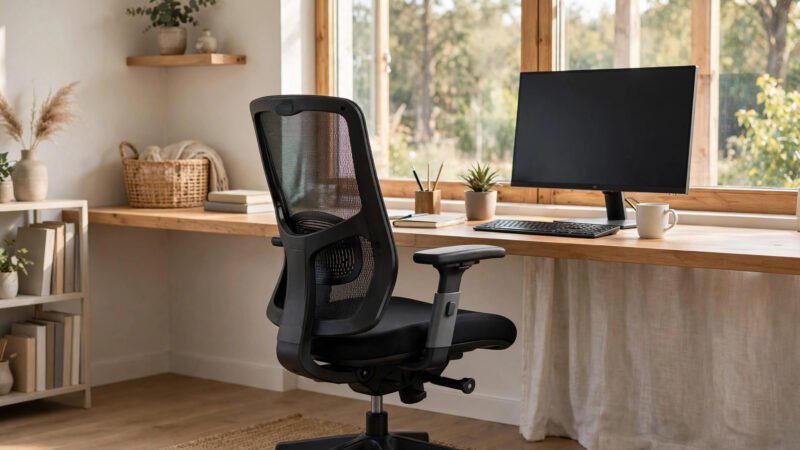
Height adjustment is non-negotiable. Your feet should rest flat on the floor (or on a footrest) with your thighs roughly level, and the seat should leave a small gap between its front edge and the back of your knees. Adjustable lower-back support matters more than padding; a slim chair with a proper lumbar curve beats a plush one with none. Armrests are optional — if you choose them, make sure they slide under the desktop.
Size is the other half of the decision. In a small room, the chair takes up as much visual and physical space as the desk, so look for one that slides fully under the desk when you finish. A smaller footprint and no bulky headrest usually suits a tight corner better.
If a new chair is not in the budget yet
Not everyone can buy a proper chair this month. If you are making do, a firm cushion behind your lower back, a footrest (or a sturdy box) so your feet sit flat, and a seat height that lets your elbows rest level with the desk will get you surprisingly far. Set a timer to stand and move every 30 minutes — it matters more than any cushion. When you do buy, treat it as the one purchase worth saving for: our complete home office setup guide covers chair choice too.
How to Set Up Your Screen, Keyboard and Chair for Your Body
This section decides whether your small office is comfortable for years or quietly painful by the end of the first month — and it costs nothing, because it is about positions, not purchases. The official guidance from the UK, Ireland and Australia agrees on the same few points: a short checklist worth doing properly once.
The UK Health and Safety Executive (HSE) sets out a standard workstation setup that works at home as well as in an office: the top of the screen level with your eyes and about an arm’s length away, shoulders relaxed, keyboard just below elbow height, seat supporting the thighs, lower back supported, a 2–3 cm gap between seat front and the back of the knee, and screen and keyboard centred so you never twist your back.
Screen height and distance
Set the top of the screen at eye level, or just below, about an arm’s length away — roughly 50–75 cm. If you wear varifocals, you may need it slightly lower. The common mistake is a screen that sits too low, which pulls the chin down and the shoulders forward hour after hour. On a laptop, that means raising it on a stand or a stack of books and adding a separate keyboard and mouse — the HSE’s laptop guidance is explicit about this. If you use two screens equally, position them symmetrically at the same height, so you swivel your chair instead of twisting your neck.
Keyboard, mouse and arms
Put the keyboard and mouse on the same flat surface, directly in front of you, about 10–15 cm from the front edge of the desk, with your forearms roughly level and your wrists straight. Keep the mouse close to the keyboard and in line with your elbow, your elbow close to your body and shoulders relaxed. If the desk is higher than your elbows, raise the chair until they clear it, then put a footrest under your feet — never the other way round, with your shoulders hunched up to reach a high keyboard.
Move, even in a small room
No setup stays comfortable if you hold one position for hours. WorkSafe Queensland’s advice is to aim to change your posture every 30 minutes — standing for a long time causes problems too, so the goal is change, not standing all day. If you have a sit-stand desk, alternate between sitting and standing at the same elbow-height rule. Ireland’s HSE adds a simple eye habit: the 20-20-20 rule — every 20 minutes, look at something 20 feet away for 20 seconds. For more, see our guides to reducing eye strain when working from home and standing desk setup.
How Do You Light a Small Home Office — and Look Decent on Video Calls?
Light is the thing people notice last and feel first. A desk in the darkest corner, lit only by the ceiling light and the glow of the screen, is tiring in a way that is hard to name until you fix it. In a small space, lighting does double duty: it keeps your eyes comfortable and decides what your colleagues see on video calls.
Use the window properly
The best position is side-on to the window, with daylight falling across your face and desk rather than behind you or straight into your eyes. Facing the window gives you glare; sitting with it behind you turns you into a silhouette on video calls. If the only available spot faces the window, a sheer curtain takes the edge off the worst of the sun. Ireland’s HSE guidance makes the same point: glare makes you lean forward or twist, and reducing it helps you hold a good posture without thinking about it.
Add one good task light
General room lighting is rarely enough for close, focused work. A dedicated desk lamp aimed at your work surface — not at the screen, and not from behind it — reduces eye strain far more than a brighter ceiling bulb, especially in the darker months. Choose one with adjustable brightness; a lamp that only runs at full blast is almost as tiring as no lamp at all. The lamp is also a boundary: switching it on starts the working day, and switching it off ends it. For a deeper look, see our home office lighting guide for focus and comfort.
Video calls in a small room
Three small choices make a large difference on camera. First, face the light: a window or lamp in front of you, not behind you. Second, raise the camera to eye level — a laptop on a stand does this automatically. Third, mind the background: a tidy shelf, a plant or a plain wall reads far better than a bed or a pile of laundry. You do not need a fake background or a ring light; you need light on your face and nothing distracting behind you.
How Do You Keep a Small Home Office Tidy, Quiet and Separate?
A small office fails slowly — not in a single collapse, but in the daily creep: a mug left overnight, papers spreading across the desk, cables breeding underfoot, the boundary between work and home dissolving. The fix is not willpower. It is systems — small ones, decided once and repeated daily.
Store things up the wall, not across the floor
Floor space is the scarcest resource in a small home office. Shelves above the desk — at about 45 cm and 75 cm above the surface, high enough to clear a monitor and low enough to reach while seated — hold books and files without adding a centimetre to the footprint. A pegboard does the same job for headphones and cables. The rule for the desktop is simple: if it does not get used every day, it does not live on the desk.
Get cables and power under control
Count your outlets before you buy anything: a typical home office needs six to eight — computer, monitor, lamp, phone charger, printer, router, and one spare. One power strip mounted under the desk beats a tangle of extension leads on the floor, and it is safer, since trailing leads are a trip hazard. Cable clips or a short tray keep the rest tidy, and a labelled strip lets you kill the whole setup with one switch at the end of the day.
Deal with the noise
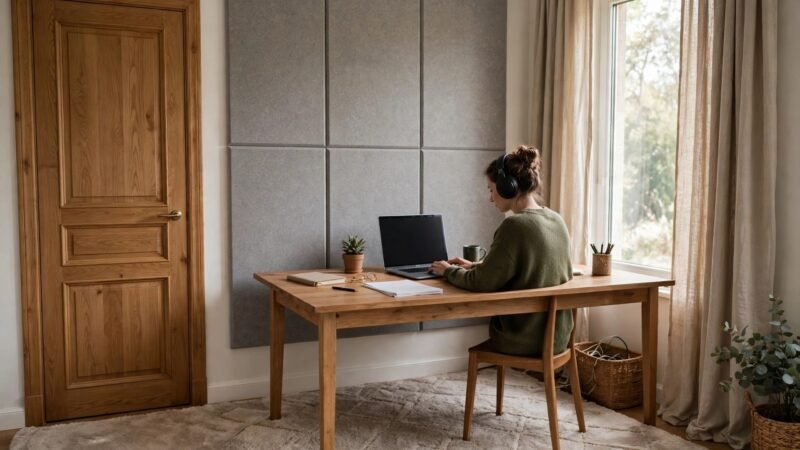
Small rooms carry sound. A washing machine, a television next door, children, a partner on their own call — all of it lands on your microphone and your concentration. Soft furnishings help more than people expect: a rug under the desk, curtains instead of blinds, and a bookshelf against a shared wall all take the edge off echo. For calls, a headset is the single best purchase after the chair. If noise is a daily battle, our guide to reducing noise in your home office goes into the options in detail.
Make the ending a ritual
The last five minutes of the working day matter most in a small space. Clear the desk, put each thing back in its place, close the laptop, switch off the lamp, and — if you can — fold the desk away or draw the curtain across the closet office. It is the signal to your brain, and to everyone else in the house, that work is over and the room belongs to home again.
Agree the rules out loud too: lamp on means working, headphones on means on a call, desk folded away means done.
What Recent Guidance Says
There is no single new study that rewrites how to set up a small home office — and any guide that claims otherwise is probably selling something. What has changed is the official guidance catching up with the reality that millions of people now work from a corner of a room rather than a desk in an office building. The regulators in the UK, Ireland and Australia now publish home-specific advice, and they agree: screen at eye level, keyboard just below elbow height, feet flat, lower back supported — and regular changes of position through the day. WorkSafe Queensland puts it most directly: vary your posture, aim to change every 30 minutes, and do not replace hours of sitting with hours of standing.
Common Mistakes to Avoid
1. Buying the desk before measuring
The most common and most expensive mistake: a desk that blocks a door, a radiator, or the walkway to the bed has to be returned or lived with. Tape the rectangle on the floor first.
2. Working from the bed or the sofa
It feels fine for a day and terrible by the end of the week. The bed is for sleep and the sofa is for rest; using either as a full-time workstation blurs the boundary between work and rest and makes a supported posture nearly impossible.
3. Using a dining chair all day
A dining chair is designed for a meal, not eight hours: no lumbar support, no height adjustment, and a seat that slides you forward into a hunch. If a proper chair is not affordable yet, add a cushion and a footrest — and move every 30 minutes.
4. Putting the screen too low
A laptop flat on the desk forces your chin down and your shoulders forward for hours. Raise the screen to eye level and add a separate keyboard and mouse — a stack of books works as a stand until a proper one arrives.
5. Facing the window or sitting with it behind you
Facing the window means glare; sitting with it behind you means you are a silhouette on every video call. Side-on is the answer, with a sheer curtain for the brightest hours.
6. Letting cables and clutter spread
In a small room, clutter is not cosmetic — it is what makes the office feel like it has taken over the house. One power strip, a cable tray, shelves above the desk, and a five-minute reset each evening keep the room feeling like home.
Final Recommendations
- Tape the rectangle first. Mark out 100 × 135 cm and live with it for a day before buying anything.
- Buy in this order: chair, desk, then accessories. Comfort comes from the chair.
- Choose the spot for light and boundaries, not Wi-Fi — an extender is cheap; a dark corner costs you focus every day.
- Set the screen at eye level and an arm’s length away, keyboard just below elbow height, feet flat on the floor.
- Raise a laptop and add a separate keyboard and mouse if the laptop is your main computer.
- Light the desk from the side with a task lamp, and keep the window out of your camera’s eyeline.
- Store vertically. Shelves and a pegboard above the desk protect the floor space you cannot spare.
- End every day with a five-minute reset — clear the desk, close the laptop, switch off the lamp, and give the room back to home.
This content is for educational purposes only and does not replace professional ergonomic or medical advice. Always consult a qualified health professional before making workstation changes if you have an existing injury or health condition.
Frequently Asked Questions
About 100 by 135 centimetres of floor: a desk 100 centimetres wide and 75 to 90 centimetres of clear space behind it for the chair. A laptop-only setup can work in slightly less, around 100 by 125 centimetres, while dual monitors need closer to 140 by 150. Tape the rectangle on the floor first — the chair zone is what people forget most.
Yes, and it is the most common small-space office. Put the desk in the corner furthest from the bed, facing the wall or the window rather than the bed, so your brain can switch off at night. Use a rug, a work-hours-only lamp, or a folding screen to mark the boundary. A closet office is even better for sleep: closing the doors hides the work completely.
It depends on your work. A compact desk 80 to 120 centimetres wide suits most people. A corner or L-shaped desk gives two work zones for a second screen. A fold-down desk is best when the room has another job and the office must disappear after hours. Check depth too: 50 centimetres works for a laptop, while 60 or more is far more comfortable.
Choose furniture that stands on the floor and can move with you: freestanding desks, ladder desks, leaning shelves and tension-rod curtains all work without touching the walls. Avoid drilling unless your agreement allows it, and ask your landlord before fixing a fold-down desk — it must anchor into studs or solid masonry to hold a monitor.
Aim for 100 to 120 centimetres wide and at least 60 centimetres deep. That gives room for the monitor at arm's length, a separate keyboard, and a lamp, without your wrists hanging off the front edge. A monitor arm can free up the back of the desk. Measure first — a laptop and notebook need about 75 centimetres, while a monitor, keyboard and lamp need 100 to 120.
Face the light, not the window: sit side-on to the window so daylight falls across your face, and raise the camera to eye level with a laptop stand. Keep the background simple — a tidy shelf, a plant, or a plain wall — and avoid sitting with a bed or laundry behind you.
Use signals rather than walls. A rug or desk mat marks the office zone, a lamp that only comes on during work hours marks the working day, and a five-minute reset — clear the desk, close the laptop, switch the lamp off — tells your brain and your household that work is over.
Conclusion
A small home office is not a lesser version of a real one. It is the same job — a screen at the right height, a chair that supports you, light that helps rather than hurts, and a clear edge between work and the rest of your life — done in less space, with more thought. The people who make it work are rarely the ones who spent the most. They are the ones who measured before they bought and chose the chair before the desk.
Start today, and start small. Tape the rectangle on the floor. Move the lamp. Raise the laptop on a stack of books and see how your neck feels by lunchtime. None of this needs a spare room or a big budget — just an afternoon and a tape measure, and the decision that the corner you already have is enough. When your setup is in place, our guides to reducing eye strain and reducing home office noise pick up where this one leaves off.
References
- Health and Safety Executive (UK) — Working safely with display screen equipment: Good posture — https://www.hse.gov.uk/Msd/dse/good-posture.htm
- WorkSafe Queensland — Setting up your workstation — https://www.worksafe.qld.gov.au/safety-and-prevention/hazards/hazardous-manual-tasks/working-with-computers/setting-up-your-workstation
- Health Service Executive (Ireland) — Display screen equipment and office safety — https://healthservice.hse.ie/staff/health-and-safety/display-screen-equipment-and-office-safety/
Last updated: November 2026.