By Md Masud Rana
Written by Md Masud Rana based on published expert sources. This article has not been professionally reviewed. See our sources below.
It is 4pm, your head is throbbing behind your eyes, the words on your screen have started to blur at the edges, and you are rubbing your eyes for the third time in an hour. If you work from home, that end-of-day feeling is familiar — and it is usually not your screen damaging your eyes. It is your eyes being asked to do one hard job, up close, for far too long without a break. Learning how to reduce eye strain working from home is mostly about changing how you use your screen, not buying a new one.
This guide pulls together what eye-care organisations actually recommend: the break habit that works, the monitor position that takes the load off your neck as well as your eyes, the lighting fixes that cost nothing, and the honest truth about blue-light glasses. You will also learn the warning signs that mean it is time to book an eye exam.
Quick Answer Box
To reduce eye strain working from home, follow the 20-20-20 rule (every 20 minutes, look at something 20 feet away for 20 seconds), sit about an arm’s length from your screen with the top of it at or just below eye level, match your screen brightness to your room, cut glare from windows and overhead lights, blink deliberately, and enlarge text instead of leaning in. If symptoms persist despite these changes, book an eye exam.
Table of Contents
- Why Do Your Eyes Hurt After a Day at the Computer?
- How Can the 20-20-20 Rule Actually Help?
- How Should You Set Up Your Monitor?
- What Lighting Actually Reduces Eye Strain?
- What Screen Settings Are Worth Changing?
- What About Dry Eyes, Blinking and Contact Lenses?
- Do Blue Light Glasses Help?
- When Should You Get Your Eyes Checked?
- What Recent Research Shows
- Common Mistakes That Keep Eye Strain Coming Back
- Final Recommendations
- Frequently Asked Questions
Why Do Your Eyes Hurt After a Day at the Computer?
Eye doctors group these symptoms under two names that mean the same thing: digital eye strain and computer vision syndrome. The American Optometric Association describes computer vision syndrome as eye discomfort and vision problems that appear when viewing digital screens for extended periods, with discomfort increasing the more you use screens. The most common symptoms are eyestrain itself, headaches, blurred vision, dry eyes, and neck and shoulder pain.
Three things happen at once when you work at a screen, and together they explain most of the ache. First, your focusing system locks on to one distance for hours. Johns Hopkins Medicine explains that when you look at something close up, the lens of the eye naturally contracts, and if it never gets a chance to relax, eye fatigue follows. Second, you blink less. Johns Hopkins notes that blinking redistributes the tear layer that smooths the surface of the eye, and without it the surface dries, vision blurs, and the cycle repeats. Third, your screen adds glare, lower contrast and a fixed viewing distance that reading a printed page does not impose.
Many people describe the same pattern: fine in the morning, gritty and tired by mid-afternoon, worse on days with back-to-back video calls. That pattern makes sense. Video calls are worse than ordinary screen work because you stare without looking away, you blink even less while concentrating on faces, and you rarely shift your gaze to a distance. The reassuring part is that Cleveland Clinic notes computer vision syndrome does not do permanent damage, even though it can make your eyes, neck and shoulders genuinely sore. The goal is not to fear your screen. It is to interrupt the pattern before the symptoms build up.
One thing worth clearing up early: uncorrected vision problems make everything worse. The American Optometric Association points out that even minor vision problems, or glasses that suit driving but not a screen at arm’s length, can significantly affect comfort at a computer. If your eyes hurt every day despite good habits, that is a clue worth acting on, not a reason to buy yet another gadget.
How Can the 20-20-20 Rule Actually Help?
The 20-20-20 rule is the single most repeated piece of eye advice on the internet, and for once the repetition is justified. The American Optometric Association recommends it plainly: take a 20-second break to view something 20 feet away every 20 minutes. Twenty feet is about six metres — out of a window, down a hallway, or across a large room. If your home office is small and no object is that far away, looking at the farthest point you have, or simply closing your eyes for the same 20 seconds, still gives your focusing muscles a rest.
Why does such a small break help? It releases the sustained near focus described above, and looking away tends to trigger a few natural blinks, which re-wets the eye surface. Think of it as the equivalent of standing up after sitting too long: nothing dramatic, but skipping it all day is exactly how stiffness builds. Johns Hopkins Medicine also recommends the 20-20-20 rule as a guide for scheduling periodic rest breaks to avoid eye fatigue.
The hard part is remembering. A rule you forget is no rule at all, so make it automatic. Set a quiet timer or a break-reminder app for every 20 minutes, and pair the break with something you already do: every time you finish an email, glance out of the window before starting the next one. Some people put a small sticky note on their monitor that just says “blink and look away”. It looks silly. It works better than willpower, because willpower is exactly what runs out during a busy afternoon.
Then add a longer break on top. The American Optometric Association suggests resting the eyes for 15 minutes after two hours of continuous computer use. A proper lunch break away from screens counts, and so does a walk, a phone call made while looking out of the window, or any task that does not demand near focus. If you work through lunch at your desk, you have removed the one long break your eyes were counting on.
How Should You Set Up Your Monitor?
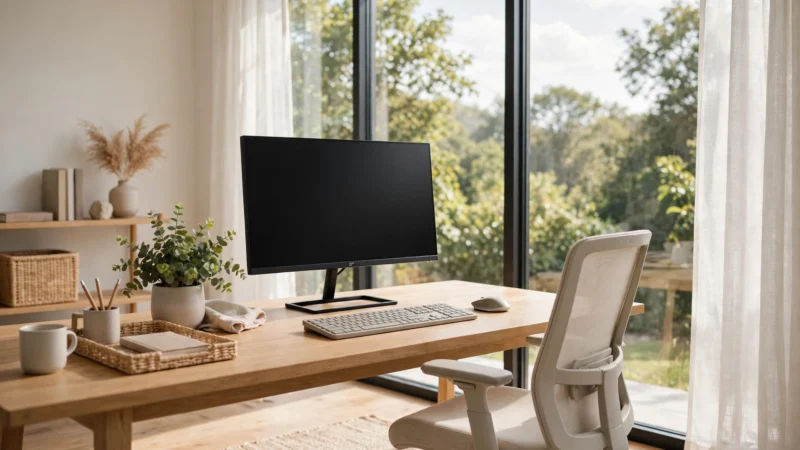
Distance first. The American Optometric Association advises that the computer screen should be 20 to 28 inches from your eyes — roughly an arm’s length — with the centre of the screen 15 to 20 degrees below eye level, about 4 or 5 inches down. In plain terms: you should be looking slightly downwards, not up and not straight ahead, and you should not have to lean forward to read anything.
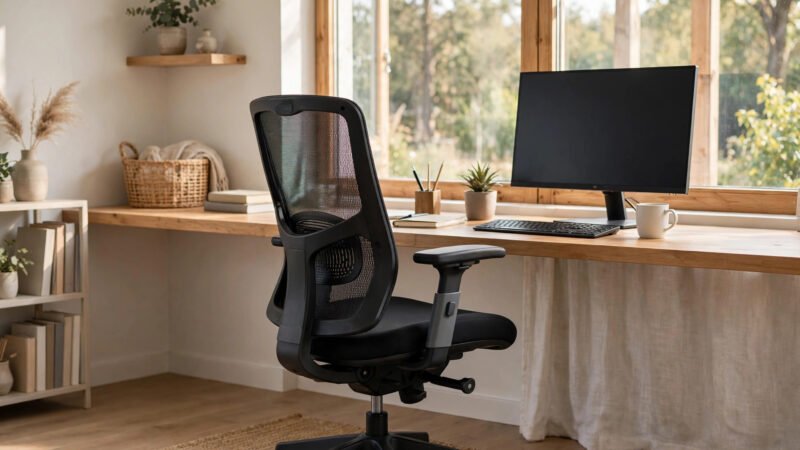
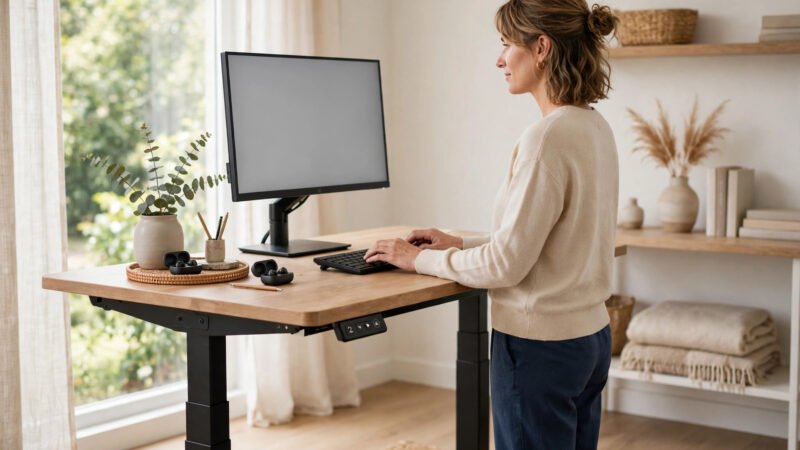
That position matters for your neck as much as your eyes. A screen that is too high pulls your head back and tightens the neck and shoulders; a laptop flat on a desk does the opposite, dragging your head down for hours. This is where your wider desk setup matters, and our guides to standing desk setup and ergonomic office chairs for back pain cover chair height, desk height and posture in more detail. For eyes specifically, the fix is simple: raise a laptop on a stand or a stack of books and use a separate keyboard, so the screen can sit at the right height without your hands following it up.
Angle comes next. Tilt the top of the screen slightly away from you, about 10 to 20 degrees according to the American Optometric Association’s prevention guidance. That small tilt does two jobs: it matches the natural downward angle of your gaze, and it throws overhead-light reflections down and away instead of straight back into your eyes.
Dual monitors deserve a mention because they are a common hidden cause of strain. If your second screen is off to one side, you spend the day with your head turned and your eyes refocusing between two distances. Put the screen you use most directly in front of you, match the brightness of both screens, and keep the second one only as close as you genuinely need it. If you constantly swivel to read the second monitor, it is too far to the side.
Finally, keep reference material at the same distance as your screen where possible. The American Optometric Association recommends placing documents above the keyboard and below the monitor, or using a document holder beside it, so your head does not keep repositioning between paper and screen. Every refocus costs a little effort, and thousands of them add up. Our complete home office setup guide pulls chair, desk and monitor advice together in one place.
What Lighting Actually Reduces Eye Strain?
Bad lighting is one of the most fixable causes of eye strain, and most of the fixes are free. The core principle is balance: your screen should not be a bright rectangle glowing in a dark room, and your room should not be so bright that the screen looks washed out. Johns Hopkins Medicine advises matching display brightness to the lighting around you and changing the work environment to reduce reflections, glare and bright lighting.
Start with the window. Never sit with a window directly behind you, where it throws your screen into silhouette, or directly behind your screen, where it shines into your eyes. The best position is with the window to your side, with blinds or sheer curtains to soften direct sun. Moorfields Eye Hospital advises moving any light source that causes glare or changing the angle of the screen, and working in a well-lit space, since eyes working in too dark a room have to work harder to compensate.
Then deal with overhead lights. A bare bulb or a bright ceiling panel reflecting in a glossy screen is a classic culprit, and tilting the screen or moving the lamp usually beats buying anything. If reflections survive repositioning, an anti-glare screen filter is the next step; the American Optometric Association notes these filters decrease the amount of light reflected from the screen. Keep the screen clean too — dust and fingerprints scatter light and quietly reduce clarity, which makes your eyes work harder for no reason.
One lighting trick that genuinely helps in the evening is bias lighting: a soft light behind the monitor that lights the wall behind it. It narrows the contrast between the bright screen and the dark room around it, so your pupils are not constantly readjusting as your gaze moves on and off the screen. A cheap LED strip or a small lamp aimed at the wall does the job.
What Screen Settings Are Worth Changing?
Brightness is the first setting to check, and the rule is simple: your screen should look like a piece of paper in your room, not like a light source. If it glows in a dim room, turn it down. If it looks dull grey in a bright room, turn it up. Johns Hopkins Medicine advises a display brightness that matches the lighting surrounding you, and most operating systems now adjust this automatically — worth switching on if you have not already.
Text size is the most underrated fix of all. If you are squinting or leaning forward to read, your eyes are working harder than they need to. Increase the font size in your browser, your email and your documents until you can read comfortably sitting back in your chair. This is not a sign of weak eyesight; it is the screen equivalent of moving a book to a comfortable distance. The same goes for contrast: dark text on a light background is usually easiest, and if an app offers a high-contrast mode that you find clearer, use it.
Dark mode is popular, and it can feel easier in a dim room because it lowers the overall brightness coming off the screen. But it is not a cure. In a bright room, light text on a dark background can actually be harder to read, and dark mode does nothing about glare, which is a property of the glass, not the pixels. Use it if your eyes prefer it in your lighting, not because you expect it to fix strain on its own.
One last setting: refresh rate and flicker. Older screens that flicker visibly are tiring, and Moorfields notes that modern liquid crystal displays do not usually flicker or reflect light, offering increased visual comfort. If you are still using a very old monitor that seems to shimmer, that alone is a good reason to consider replacing it — but for most people with a modern screen, settings and habits matter far more than the hardware.
What About Dry Eyes, Blinking and Contact Lenses?
Dryness is often the symptom people notice first: a gritty, burning feeling, sometimes with watering, which seems contradictory until you realise watering is the eye’s emergency response to dryness. The mechanism is straightforward. Johns Hopkins Medicine explains that blinking redistributes the tear layer, and that without blinking during prolonged viewing, the eye’s surface is more exposed to air and evaporation, which blurs vision and starts the fatigue cycle again.
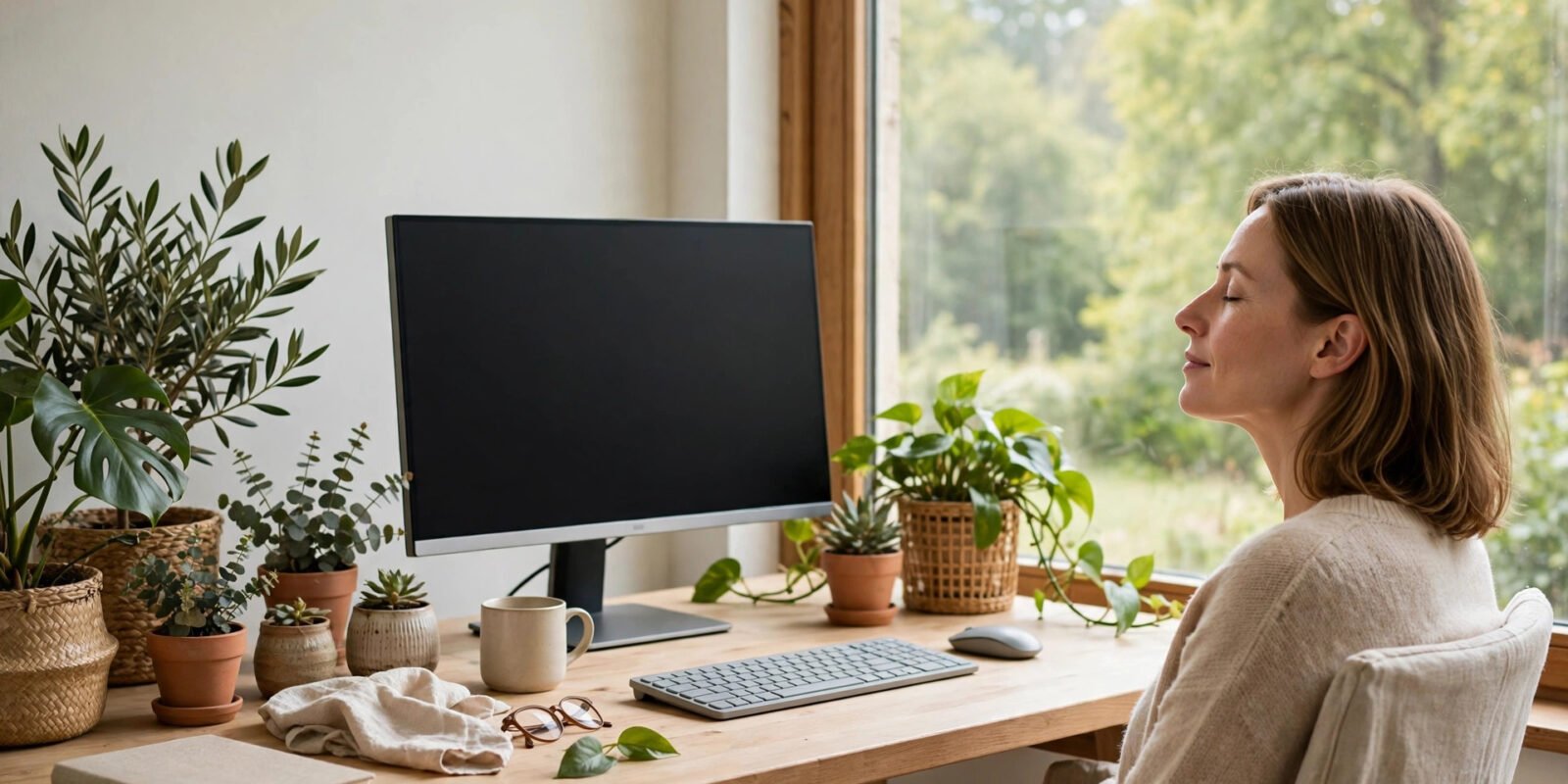
Conscious blinking sounds odd, but it is genuinely useful. During focused screen work, make a point of closing your eyes fully for a second or two every so often, especially during your 20-20-20 breaks. Half-blinks, where the lids never fully meet, do not spread tears properly. If you catch yourself staring, a few slow, complete blinks are a faster reset than rubbing your eyes, which only irritates them further.
Artificial tears can help when the air is dry or your eyes feel gritty. Johns Hopkins lists over-the-counter artificial tears among the ways eyestrain is relieved, and Moorfields similarly suggests asking your doctor about the best eye drops if dryness persists. If you need drops more than a few times a day, every day, mention it at an eye exam rather than just buying more.
Contact lens wearers often feel screen strain more. Johns Hopkins notes that contact lenses can worsen dryness, while larger-frame glasses cut down air movement across the eye’s surface. If you wear contacts and your eyes are dry by afternoon, try glasses for part of the working day, keep a bottle of suitable drops nearby, and avoid sitting directly under air conditioning or a fan blowing across your face. Room humidity matters too: a dry, heated room in winter is harder on eyes than the same room with a little moisture in the air.
A common real-world pattern is worth naming: people who work with a fan heater or air conditioning vent pointed at their desk often blame their screen, when the moving dry air is doing half the damage. Redirect the airflow, and the afternoon grit often improves within days.
Do Blue Light Glasses Help?
Blue-light glasses are marketed hard, so this deserves a straight answer: for eye strain, the evidence does not support them. Johns Hopkins Medicine states plainly that blue light is not a cause of eyestrain, and that since it is not a cause, blue-light blocking glasses and filters are not an option for the relief of eyestrain.
Cleveland Clinic reaches the same conclusion: the American Academy of Ophthalmology does not recommend blue-light glasses for eye strain, and current research shows no evidence that the levels of blue light emitted from screens can harm the retina or cause eye disease. Sunlight gives off far more blue light than all of your screens put together, and the small amount from a screen has not been shown to cause damage.
Why do some people swear by them, then? A few honest reasons. An anti-reflective coating on any glasses can reduce glare, which does help — but that is the coating, not the blue-light filter. And feeling as if you have done something about a problem can itself make symptoms feel better for a while. If you already own a pair and like them, they are unlikely to harm you. But if you are choosing between blue-light glasses and the free fixes in this guide — breaks, distance, lighting, text size, blinking — the free fixes are the ones with evidence behind them.
The one area where evening light does matter is sleep, not strain. Blue light in the evening can signal your brain to stay awake, and cutting back on screens in the hour or two before bed helps your body wind down. That is a sleep habit, though, not an eye-strain treatment, and it does not require special glasses. Our guide to falling asleep faster covers evening screen habits in more detail.
When Should You Get Your Eyes Checked?
Most screen-related eye strain settles with rest and better habits. But some patterns mean it is time to see an eye-care professional rather than keep tweaking your desk. Book an exam if symptoms persist despite several weeks of proper breaks, lighting and monitor setup; if you notice blurred vision that does not clear after looking away; if you get frequent headaches with screen work; or if you find yourself tilting your head, squinting or leaning in even with enlarged text.
The American Optometric Association notes that computer vision syndrome can be diagnosed through a comprehensive eye examination, including testing how the eyes focus, move and work together at computer distance. That last point matters: a standard distance vision test does not always reveal a problem that only shows up at arm’s length. Tell the examiner how many hours a day you spend at a screen and at what distance, so the testing matches your real working conditions.
Moorfields recommends that computer users have their eyes tested every year to minimise the risk of developing eye problems. In the UK, that means your optician; in the US, an optometrist; in Canada, Australia and New Zealand, the equivalent local eye-care professional. The names differ by country, but the appointment is the same idea: a check of your prescription, your focusing and your eye health.
Seek prompt care, not a routine appointment, for anything sudden or alarming: sudden vision loss, severe eye pain, marked redness, new double vision, flashes or a shower of new floaters, or a dark shadow across your vision. Those are not ordinary screen strain, and they should not wait for your next desk-setup experiment.
One more honest point. If you are over 35 or so and screens have gradually become harder, that may simply be your eyes changing with age — the focusing system stiffens over time, which is why reading glasses exist. That is normal, not a failure, and the right computer-distance correction can transform a working day. An exam finds it in minutes; another year of squinting will not.
What Recent Research Shows
The most useful recent message from eye-care research is a narrowing of the story, not a new miracle fix. Reviews of digital eye strain keep pointing to the same cluster of causes — sustained near focus, reduced blinking, glare, poor lighting and uncorrected vision — rather than to screen light itself. That is why guidance from major eye organisations has stayed consistent for years: breaks, distance, lighting and correction, in that order.
The blue-light question is where the evidence has moved most clearly. Where blue-light glasses were once sold as the answer to screen strain, major eye bodies now say the opposite, as the Johns Hopkins and Cleveland Clinic guidance above shows. The honest summary is that screen habits, not screen light, drive the symptoms — and that focusing on habits is both cheaper and more effective.
There is also growing attention to how we actually use screens at home versus in offices. Home workers often use laptops on unsuitable surfaces, work longer without the natural breaks of office life, and sit in rooms lit for living rather than working. That combination is a plausible reason home workers report more strain, and it is fixable with the setup changes in this guide.
Common Mistakes That Keep Eye Strain Coming Back
Working in the dark with a bright screen. This is the single most common home-office mistake. It feels cosy, but the contrast between screen and room forces your pupils to work constantly. Add a lamp or bias light behind the monitor instead.
Putting the window behind your screen or behind you. Both positions create glare or silhouette. Move the desk so the window is to the side, and use blinds to soften direct sun.
Leaning in to read small text. If you are six inches from the screen, the text is too small, not your eyes too weak. Enlarge the font and sit back to arm’s length.
Skipping breaks because you are busy. The busiest days are exactly when breaks matter most, because concentration suppresses blinking. A timer beats good intentions.
Buying blue-light glasses instead of fixing the setup. The glasses feel like action, but the evidence says the setup changes do the work. Spend the money on a monitor stand or a decent lamp if anything needs buying.
Ignoring a prescription that no longer fits screen distance. Glasses made for driving or reading are not automatically right for a screen at arm’s length. An eye exam that mentions your working distance solves this properly.
Rubbing tired eyes. It feels relieving for a second and irritates the surface for much longer. Slow, complete blinks and a look into the distance are the better reset.
Final Recommendations
- Use the 20-20-20 rule every 20 minutes, and take a proper break away from screens every couple of hours.
- Sit about an arm’s length from your screen, with the centre of it slightly below eye level and the top tilted slightly back.
- Put your window to the side of your desk, soften direct sunlight, and kill reflections before buying any accessory.
- Match screen brightness to the room, and add ambient or bias light in the evening instead of working in the dark.
- Enlarge text until you can read comfortably sitting back, and keep both monitors at the same brightness.
- Blink fully and deliberately during breaks, and keep artificial tears handy if your eyes feel dry.
- Do not rely on blue-light glasses for eye strain; spend effort on breaks, distance and lighting instead.
- Book an eye exam every year or so, and sooner if symptoms persist despite good habits.
Frequently Asked Questions
Your eyes hurt because screen work combines sustained near focus, reduced blinking and often glare or poor lighting. The focusing muscles stay contracted for hours, the tear layer dries because you blink less, and the screen adds contrast and reflection demands that paper does not. The American Optometric Association lists eyestrain, headaches, blurred vision, dry eyes and neck pain as the common symptoms. Regular breaks, correct distance and better lighting usually ease it.
The 20-20-20 rule is recommended by the American Optometric Association and Johns Hopkins Medicine: every 20 minutes, look at something 20 feet away for 20 seconds. It works by releasing sustained near focus and encouraging blinks that re-wet the eye surface. It is not magic, and it works best combined with proper monitor distance and lighting, but it is the simplest habit with the widest professional backing.
About an arm's length, or 20 to 28 inches, according to the American Optometric Association. The centre of the screen should sit 15 to 20 degrees below eye level, about 4 or 5 inches down, with the top tilted slightly away from you. If you have to lean forward to read, enlarge the text instead of moving closer. Laptop users should raise the screen on a stand and use a separate keyboard.
Even, balanced lighting with no glare. Put windows to the side of your desk rather than behind you or behind the screen, use blinds for direct sun, and match your screen brightness to the room. Avoid working in a dark room with a bright screen; a soft light behind the monitor, known as bias lighting, reduces the contrast your eyes must cope with in the evening.
No, not for eye strain itself. Johns Hopkins Medicine states that blue light is not a cause of eyestrain, so blue-light blocking glasses are not a relief for it, and Cleveland Clinic notes the American Academy of Ophthalmology does not recommend them for eye strain. An anti-reflective coating may reduce glare, which helps, but that is the coating, not the filter. Breaks, distance and lighting are the fixes with evidence behind them.
Ordinary screen use has not been shown to cause permanent eye damage. Cleveland Clinic notes that computer vision syndrome does not do permanent damage, though it can be very uncomfortable. That said, persistent symptoms can signal an uncorrected prescription, dry eye or another condition, so symptoms that do not improve with good habits deserve an eye exam rather than being ignored.
Book an exam if symptoms persist despite several weeks of proper breaks, lighting and monitor setup, if blurred vision does not clear after looking away, or if you squint, tilt your head or lean in even with enlarged text. Moorfields recommends yearly eye tests for computer users. Seek prompt care for sudden vision loss, severe pain, marked redness or new double vision, which are not ordinary screen strain.
This content is for educational purposes only and does not replace professional medical advice. Always consult a qualified eye care professional before making health decisions for your eyes.
Conclusion
Reducing eye strain working from home is less about your screen and more about your habits around it. The people who feel best at the end of a screen-heavy day are rarely the ones with the most expensive equipment. They are the ones who look away regularly, sit at a sensible distance, light their room evenly, and read text that is big enough to see without leaning in.
Start with the three changes that cost nothing: the 20-20-20 rule on a timer, your monitor at arm’s length and slightly below eye level, and your window moved to the side. Give those a week before judging them, because eyes that have been strained for months do not always feel better in a day.
And keep the one rule that matters most: persistent symptoms are information, not a nuisance to push through. Book the eye exam. The right correction at computer distance can do more in one appointment than a year of adjusting brightness sliders, and it is the step most home workers put off longest. Your eyes do a full working day for you. A few small changes, and one regular check-up, are a fair trade.
References
- American Optometric Association — Computer Vision Syndrome — https://www.aoa.org/healthy-eyes/eye-and-vision-conditions/computer-vision-syndrome?sso=y
- Cleveland Clinic — Computer Vision Syndrome (Digital Eye Strain): What It Is — https://my.clevelandclinic.org/health/diseases/24802-computer-vision-syndrome
- Johns Hopkins Medicine — Eyestrain — https://www.hopkinsmedicine.org/health/conditions-and-diseases/eyestrain
- Moorfields Private — 10 Steps for Digital Eye Strain Relief — https://www.moorfields.nhs.uk/private/about-moorfields-private/blog-articles/10-steps-for-digital-eye-strain-relief
- Cleveland Clinic — Do Blue Light Glasses Work? — https://health.clevelandclinic.org/do-blue-light-blocking-glasses-actually-work