
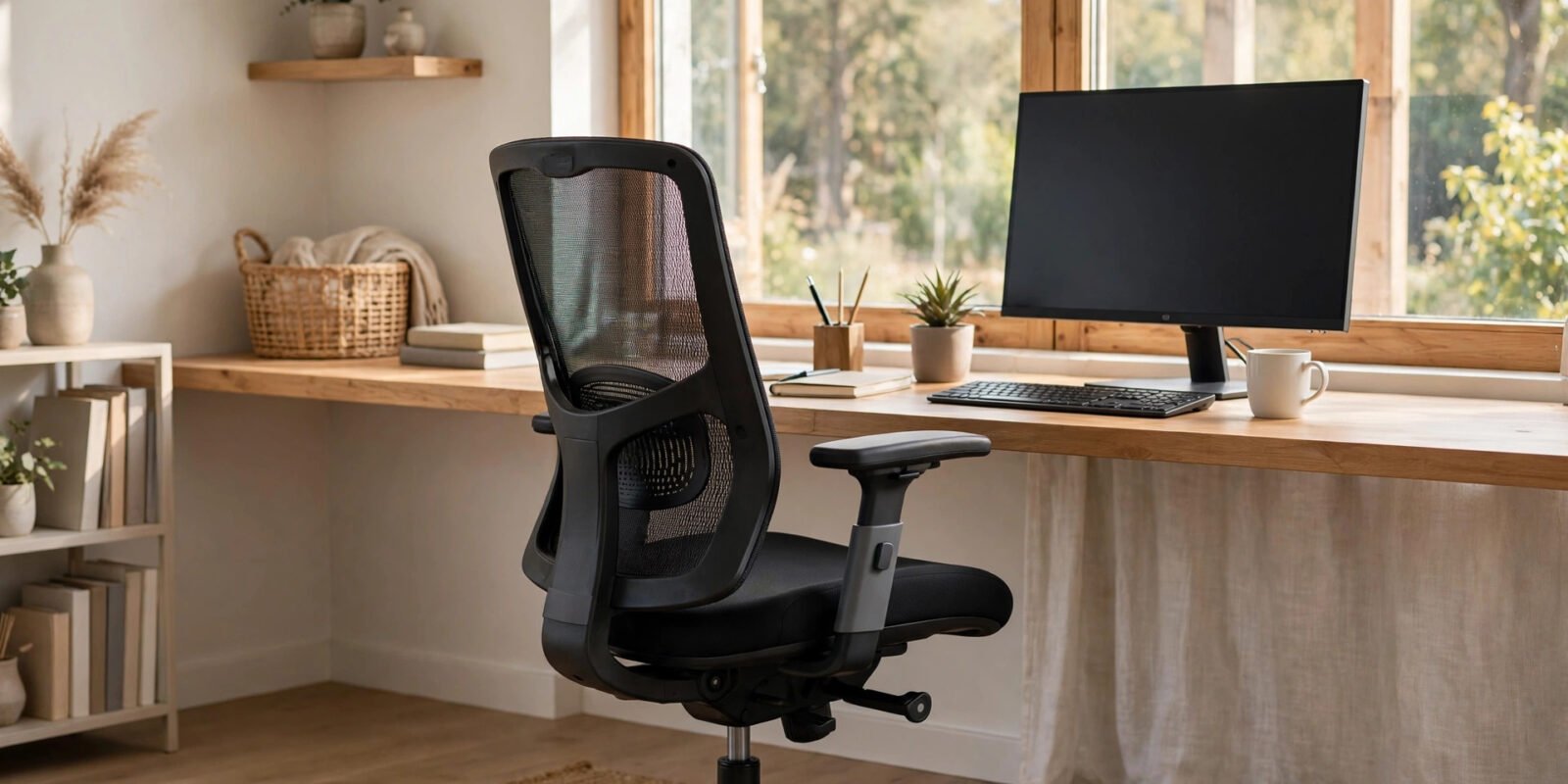
If your lower back aches by 3pm every workday, you’re in enormous company — roughly 619 million people worldwide live with lower back pain, and desk work is one of its most loyal companions. An ergonomic office chair is the single most impactful upgrade most home workers can make. But the market is full of racing-style thrones, mesh marvels, and “orthopaedic” claims. This guide cuts through the marketing and looks at what research actually says matters, the features worth paying for, and how to set up whatever chair you buy.
Why Does Sitting Hurt Your Back?
When you sit, your lumbar spine’s natural inward curve (lordosis) tends to flatten — especially on a flat seat with no back support. That flattening shifts disproportionate stress onto the discs at L4–L5 and L5–S1, the two levels responsible for the vast majority of disc herniations. Add hours of static posture, and the deep spinal muscles fatigue from holding you upright with no help.
The good news: this is largely a mechanical problem, and mechanical problems respond to mechanical solutions. A chair that preserves your lumbar curve and lets you move does measurable good. A University of Waterloo study published in Applied Ergonomics found that dynamic sitting — which allows more lower-spine movement — increased spinal motion without worsening pain or posture. As the researchers put it: the best posture is a changing posture.
What the Evidence Says Actually Matters
Marketing lists can run to a dozen features. Clinically, a handful carry nearly all the value — and they’re the adjustable ones. A 2026 meta-analysis in the International Journal of Industrial Ergonomics found that adjustable lumbar support depth (how far the pad protrudes) and height (where it contacts your spine) were statistically significant predictors of reduced back pain, while pad firmness was not. Translation: a chair that lets you move the lumbar pad up, down, in and out does far more for your spine than one with a thick but fixed foam bolster.
Here’s how the features rank by influence on spinal load:
Essential
- Seat height adjustment — puts feet flat and knees level with hips so the pelvis isn’t tipped. Strong mechanical basis, expert consensus.
- Adjustable lumbar support — preserves the lower-back curve and reduces slumping. Consistent lab data; the support must sit at roughly belt-line height, or it can push the shoulders forward and worsen neck pain.
High priority
- Seat depth adjustment — lets you sit back fully while leaving a two-to-four-finger gap behind the knees, protecting circulation to the legs.
- Backrest recline with tension control — reclining to about 100–110 degrees shifts trunk weight off the spinal discs and enables position change through the day.
- Height-adjustable armrests — more important for the neck than most people realise: unsupported arms hang their full weight from the shoulder girdle all day.
Nice to have
- Swivel base and smooth casters — encourage small movements and reduce twisting reaches.
- Headrest — limited evidence; mainly useful when reclined.
Notice what’s absent from the evidence-based list: price, brand prestige, and how executive the chair looks. Comfort and adjustability beat luxury every time.
The 7 Features to Look For When Buying
1. Adjustable lumbar support (height AND depth)
This is non-negotiable. Look for a lumbar pad or mechanism you can slide up and down to align with your lower-back curve, and push in or out to control how firmly it supports you. Everyone’s spine curves differently — one-size-fits-all lumbar pads rarely work.
2. Seat height range that fits you
You should be able to sit with feet flat on the floor and knees at roughly 90 degrees. If you’re shorter or taller than average, check the chair’s height range before buying — standard gas lifts don’t suit everyone.
3. Seat depth adjustment
Look for a sliding seat pan. Aim for 2–4 inches (about two to four finger-widths) between the seat edge and the back of your knees. Too deep and it presses behind the knees, restricting circulation; too shallow and your thighs lose support.
4. Recline with adjustable tension
A synchro-tilt mechanism — where seat and backrest move together — keeps your spine supported as you shift, rather than opening a gap at the lower back. Lockable positions plus tension control let you lean back without feeling like you’re falling.
5. 4D armrests
Armrests that adjust in height, width, depth, and pivot angle let you support your forearms while typing without hunching the shoulders. This matters more for neck and shoulder comfort than almost anything else on the chair.
6. Breathable, durable materials
Mesh backs keep you cool and are the most popular choice for warm rooms; high-density foam suits those who prefer a plusher feel. Research shows no pain difference between mesh and foam — it’s genuinely a comfort and temperature preference.
7. A stable, well-built base
A five-star aluminium or reinforced nylon base with smooth-rolling casters keeps the chair stable when you lean and lets you move without twisting your spine to reach things.
Mesh vs Foam vs Leather: Does It Matter?
For back pain specifically: no. Studies show no meaningful difference in pain outcomes between mesh and foam seating — choose based on climate and comfort. Mesh breathes better (a real advantage if you run warm); foam feels plusher and more traditional. Leather looks executive and wipes clean, but it can get hot and sticky, and genuine quality varies enormously. Spend your budget on adjustability, not upholstery.
How to Set Up Your Chair Correctly
Even the best chair fails if it’s adjusted wrong. Spend ten minutes on this once, and your back will thank you daily:
- Seat height: sit with feet flat on the floor (or a footrest), knees at about 90 degrees, thighs roughly parallel to the floor.
- Lumbar support: position it at belt-line height so it fills your lower-back curve without pushing you forward.
- Seat depth: slide the seat until there’s a two-to-four-finger gap behind your knees.
- Armrests: set the height so your shoulders stay relaxed and elbows rest at about 90 degrees while typing.
- Recline: unlock the tilt and lean back slightly — around 100–110 degrees is the sweet spot for disc pressure. Change position regularly through the day.
- Monitor: the top of the screen at or just below eye level, about an arm’s length away, so you’re not craning your neck down.
What a Chair Can’t Fix
Honesty matters here: no chair, however ergonomic, undoes eight motionless hours. Research consistently shows that movement breaks matter as much as the chair itself. Stand, walk, or stretch for a few minutes every 30–60 minutes. The Waterloo researchers’ takeaway is worth repeating: the best posture is a changing posture.
Likewise, a chair won’t fix back pain with a medical cause — herniated discs, sciatica, inflammatory conditions, or pain that radiates down the leg all deserve a clinician’s assessment, not a shopping trip. If pain persists beyond a few weeks despite better ergonomics, see your doctor or a physiotherapist.
Frequently Asked Questions
How much should I spend on an ergonomic chair?
Meaningful adjustability starts appearing well below premium prices, and the evidence says adjustability — not price — is what helps. Set your budget around the features above rather than a brand name. That said, very cheap chairs often fake adjustability (a “lumbar pillow” strapped to a flat backrest isn’t the same as a proper mechanism), so be sceptical of bargain claims.
Are gaming chairs good for back pain?
Usually not ideal. Most racing-style gaming chairs prioritise looks over ergonomics: fixed lumbar pillows, limited seat-depth adjustment, and bucket seats that restrict movement. A proper ergonomic task chair is the better buy for back pain.
Mesh or cushion seat — which is better?
For pain outcomes, neither has an edge. Mesh sleeps cooler and suits warm environments; foam feels plusher. Pick whichever you’ll be comfortable sitting on for hours.
Do I need a headrest?
Not essential. Headrests mainly help when reclined; if you work upright most of the day, an ill-fitting headrest can push your head forward and cause neck strain. Adjustable is fine; fixed is often worse than none.
Can a chair cure my back pain?
It can substantially reduce pain caused by poor sitting ergonomics, but it’s one piece of a bigger picture: movement, exercise, sleep, stress, and proper medical care for underlying conditions all matter. Think of the chair as removing a daily aggravator, not as a cure.
The Bottom Line
The right office chair won’t fix everything, but the wrong one guarantees daily aggravation. Focus your money on what the evidence supports: adjustable lumbar support with height and depth control, proper seat height and depth adjustment, a recline mechanism with tension control, and armrests that actually adjust. Set it up correctly once, move regularly, and your 3pm backache may finally become a thing of the past.
Life Well Guide never accepts paid placements. This guide is based on peer-reviewed ergonomics research and clinical guidance available up to 2026. It isn’t medical advice — for persistent or severe back pain, speak to your doctor or a physiotherapist.