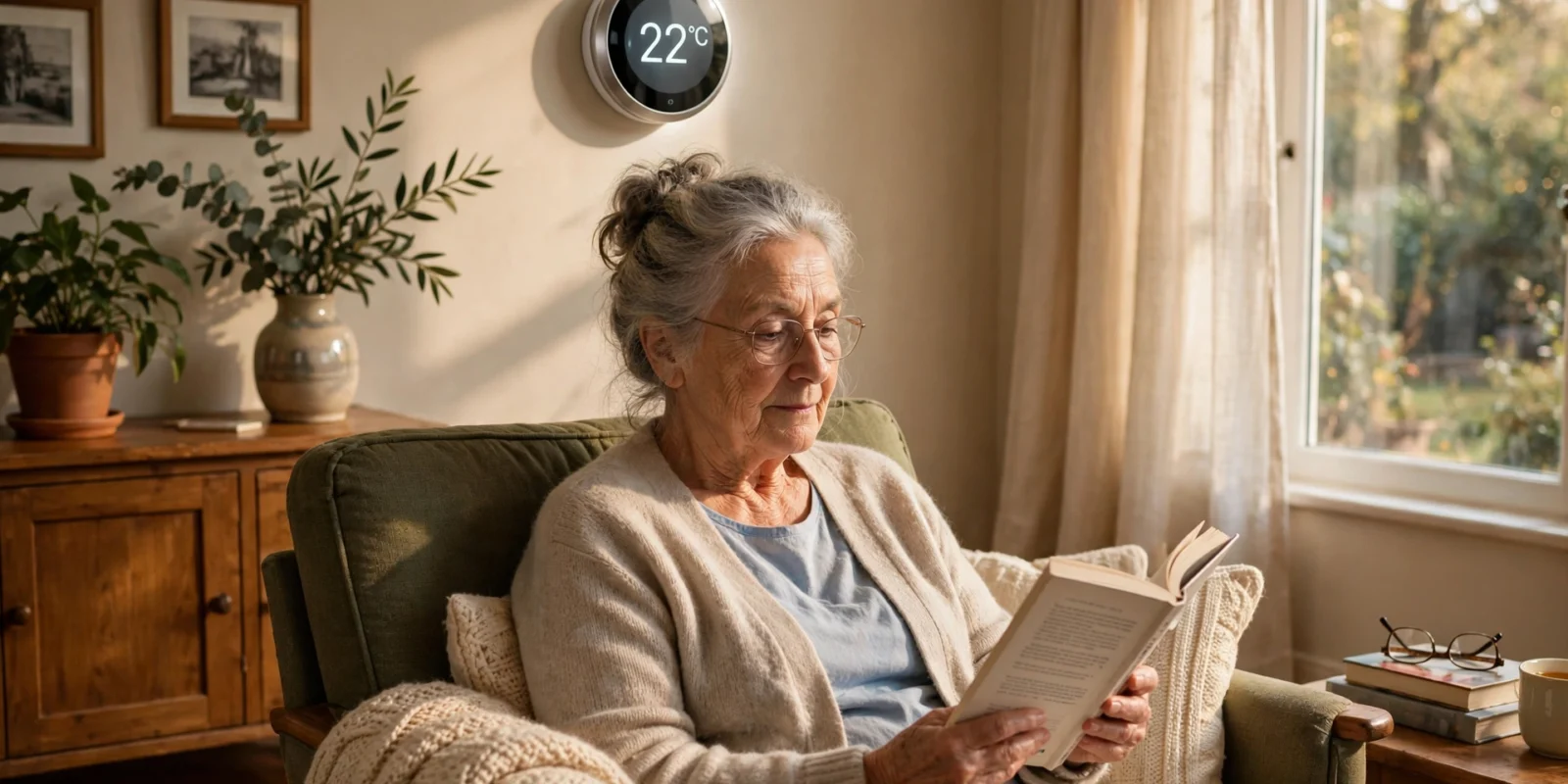
Picture this. It is a cold January evening, and your mum is sitting in her living room in a cardigan, insisting she is perfectly warm. The radiator is barely lukewarm, and the thermostat reads 16°C — she pressed a button she did not mean to press, three days ago, and never noticed.
That scene is more common than most families realise — and it is exactly what a smart thermostat for seniors solves.
A good smart thermostat does three things for an older adult living alone. It shows the temperature in big, bright numbers that can be read from across the room. It can be adjusted with a simple turn of a dial or a spoken sentence, no menus required. And it lets a son, daughter or carer check the temperature and change it from their own phone, from anywhere — so a failed boiler or an accidental button press gets spotted in hours, not days.
In this guide, I will walk through how to choose one, what temperature an older person’s home should be, how to set it up so the older person barely has to touch it, and what the honest savings look like. Everything here is drawn from published expert sources, linked as we go.
Written by Md Masud Rana based on published expert sources. This article has not been professionally reviewed. See our sources below.
Quick Answer
A smart thermostat for seniors is worth it when it has a large, easy-to-read display, simple controls (a dial or voice commands rather than menus), and remote access so a family member can monitor and adjust the temperature from their own phone. The US National Institute on Aging advises keeping an older person’s home at 68–70°F (20–21°C) or warmer in winter, because even a mildly cool house at 60–65°F can lead to hypothermia in older adults. Set it up under the family member’s account, switch on temperature alerts, and let the older person use only the dial or voice.
What This Guide Covers
- Why a Smart Thermostat Makes Sense for Older Adults
- What Temperature Should a Senior’s Home Be?
- The Features That Actually Matter for Seniors
- Which Smart Thermostat Is Easiest for an Older Person?
- Setting Up a Smart Thermostat for an Elderly Parent
- What Recent Research Shows About Savings
- Common Mistakes to Avoid
- Final Recommendations
- Frequently Asked Questions
Why a Smart Thermostat Makes Sense for Older Adults
Most of us picture a smart thermostat as a gadget for tech enthusiasts. For an older person, it is almost the opposite: a way to make heating simpler than it already is.
Think about the thermostat many older homes still have. Small grey box. Tiny buttons. A screen the size of a postage stamp, with numbers that need reading glasses and good light. Programming it means holding two buttons, waiting for a flashing display, and stepping through wake, leave, return and sleep periods in order. Plenty of people half that age give up — so the thermostat stays on one setting all day, wasting energy and leaving the house uncomfortable at the wrong times.
Smart thermostats fix the parts that were hard, not the parts that were fine. The display is bigger and brighter, often showing the current temperature in numbers large enough to read from the sofa. Turning the heat up is a twist of a dial or a single tap, not a menu. And once a schedule is set, the thermostat follows it by itself — nobody has to remember to turn the heating down at night.
The real benefit is not the gadget. It is the remote check-in.
For a family with an ageing parent living alone, the worry is the “what if”: a boiler breaking on a Friday night, or Mum switching the heating off by accident and sitting in a cold house for a weekend.
This is where a smart thermostat earns its place. An adult child or carer can install the thermostat’s app on their own phone and see the home’s temperature from anywhere. If the house drops unexpectedly in January, they see it straight away and can turn the heating back up or call for help — before a cold house becomes a health problem. As one guide for elderly homeowners puts it, this remote visibility provides genuine safety benefits no traditional thermostat can offer (AmazingFlash).
That same remote access solves the everyday friction too. Your dad rings to say he is cold? You nudge the temperature up from your phone while you are still on the call. He never has to learn an app, remember a Wi-Fi password, or touch a setting he does not understand.
Older bodies feel the cold differently
There is a medical reason this matters more with age. Older adults lose body heat faster than younger people, and changes that come with ageing can make it harder to notice that the body is getting too cold. Chronic conditions such as diabetes can reduce blood flow and warmth, thyroid problems can affect temperature regulation, and some medicines — including ordinary over-the-counter cold remedies — can affect body heat. The National Institute on Aging (NIA) explains all of this in its cold weather safety guidance for older adults (National Institute on Aging).
So a thermostat is not just a comfort device for an older person. It is a small piece of the safety net — and the smart version is the first kind that lets the family share the job of watching it.
What Temperature Should a Senior’s Home Be?
Before choosing a device, it helps to know the number you are aiming for.
The National Institute on Aging advises setting the heat to at least 68–70°F (20–21°C) for older adults. Its guidance is blunt about why: even mildly cool homes, with temperatures from 60 to 65°F (15–18°C), can lead to hypothermia in older people. About one in five cold-related injuries happen inside the home, not outside it (National Institute on Aging).
Hypothermia sounds like something that happens to walkers lost in a snowstorm. In older adults, it can happen in an armchair. It means the body’s core temperature has dropped below 95°F (35°C), and it can cause heart rhythm problems, kidney trouble and worse. The warning signs are easy to miss: cold hands and feet, a puffy face, pale skin, shivering, slowed or slurred speech, and feeling sleepy, angry or confused. The NIA is clear that hypothermia is a medical emergency — if someone shows these signs, call 911 (or your local emergency number) right away, move them somewhere warm, and wrap them in dry blankets while help is on its way (National Institute on Aging).
Comfort usually sits a little above the minimum
Sixty-eight degrees is the safety floor, not the comfort target. Many older adults feel most comfortable a little warmer, often around 72–74°F (22–23°C) during the day.
In summer the same logic applies in reverse: a house above 85°F (29°C) in a heatwave is also a risk, so set the high-temperature alert too.
A sensible starting schedule for a retired person who is home most of the day looks something like this:
| Time of day | Suggested winter setting |
|---|---|
| Waking hours | 72°F (22°C) |
| Overnight | 68°F (20°C) — never below the NIA minimum |
| Out for the day | 68°F (20°C) — a gentle setback, not a deep one |
| Summer daytime | 74°F (23°C) or as the household prefers |
These are starting points. If the older person has a medical condition affecting body temperature, ask their doctor about a suitable range.
The Features That Actually Matter for Seniors
Thermostat boxes are covered in feature lists, but only a handful of features matter for an older person.
A display you can read from the sofa
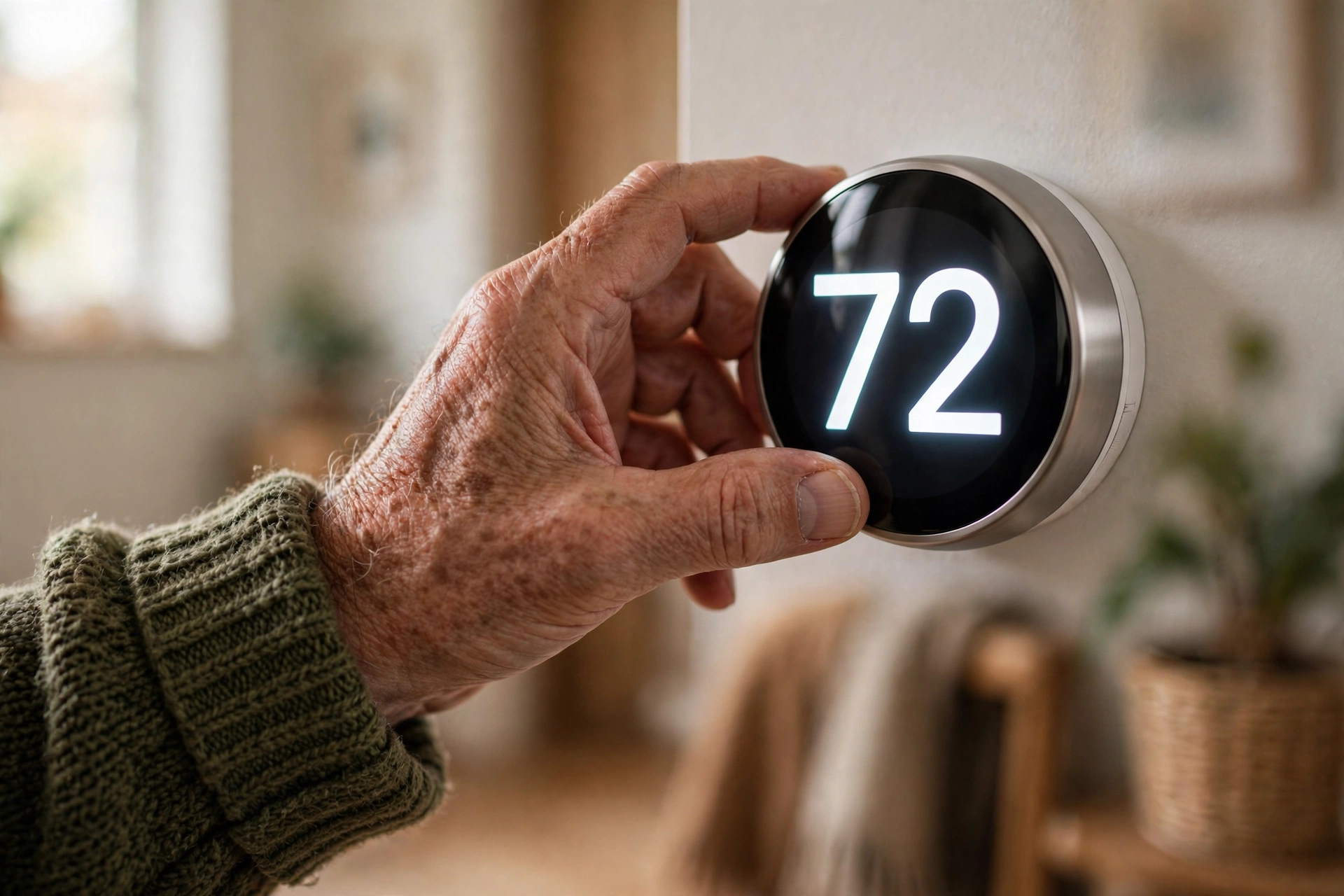
This is the single most important feature. The current and target temperatures should be readable from across the room, without reading glasses. Some models light up automatically when someone walks past, showing the temperature in huge, bright numbers.
Controls that match hands and habits
The friendliest designs work like the thermostats people grew up with: turn a dial one way for warmer, the other way for cooler. A full outer ring that turns is easy on arthritic hands and needs no precise tapping. Touchscreens can work for people comfortable with a tablet, but small buttons are a poor match for stiff fingers. Avoid any device where changing the temperature means opening a menu, then a submenu, then confirming a choice.
Voice control
For many older people, voice is the easiest control of all. “Set the temperature to 72.” “Turn up the heat a little.” No walking to the hallway, no buttons, no screen. This works through a smart speaker in the room — an Amazon Echo or Google Home, for example — or through a thermostat with a voice assistant built in. If your parent already uses a smart speaker, pairing it with the thermostat is a natural next step; our guide to smart speakers for seniors covers choosing and setting one up. Put the speaker in the room they spend the most time in.
Remote access for the family
This is the feature that turns a thermostat into a safety device. The companion app lets a family member see the current temperature, change the setting, adjust the schedule, and receive alerts. Set it up under the family member’s account: the older person just uses the dial, and the family member does the rest from their phone.
Temperature alerts
Configure the app to notify the family member if the indoor temperature drops below 60°F (15°C) or rises above 85°F (29°C). Those thresholds mean something may be wrong — a furnace failure in winter, an air conditioner failure in summer — and the alert buys time to act before the house becomes dangerous.
Room sensors
Most thermostats measure the temperature in the hallway where they are mounted. The hallway is rarely where an older person spends their time. A wireless room sensor placed in the bedroom or living room tells the thermostat to heat or cool based on the room that matters — especially useful for someone who spends most of the day in one room, or whose bedroom runs colder than the rest of the house. Our guide on how to fall asleep faster explains why bedroom temperature matters so much for sleep.
A temperature lock
Accidental button presses are one of the most common thermostat problems in older households. A temperature lock — sometimes called a range limit — sets a minimum and maximum that the physical controls cannot go past. The family member can still change the limits through the app.
Which Smart Thermostat Is Easiest for an Older Person?
There is no single “best” model for every older person: the right choice depends on their hands, their eyes, their heating system and how they feel about talking to a device. Match the type to the person.
The self-learning dial type
The simplest choice for most older homeowners is the learning thermostat with a physical dial — the best-known example is the Google Nest Learning Thermostat. There is no programming at all: the homeowner turns the dial, exactly as they always have, and the thermostat learns their pattern and builds a schedule by itself (AmazingFlash).
The touchscreen type
Touchscreen models, such as the Ecobee Smart Thermostat Premium, suit older people comfortable with a tablet or smartphone. The built-in voice assistant means the homeowner can speak to the thermostat directly. The trade-off is precision: small on-screen buttons can frustrate stiff fingers. Its room sensor is a genuine plus for multi-room homes.
The familiar-button type
Some households are happiest with a simpler device that keeps physical buttons and a clear digital display, with smart features mostly handled by the family member through the app. Models in this style — including some Honeywell Home thermostats — feel familiar to anyone who has used a programmable thermostat before, and they are often the cheapest route to remote monitoring. They usually do less learning on their own, so the family member needs to set the schedule at the start.
The simple non-smart fallback
It is worth saying plainly: a smart thermostat is not right for everyone. If the older person is deeply uncomfortable with anything connected, or the home has no reliable Wi-Fi, a large-display, non-programmable thermostat with big numbers and a simple dial may serve them better — and the family can still check in by phone and in person. Guides comparing the main options for older users reach the same conclusion: the best thermostat for an older person is the one with a large display, straightforward controls, and remote access for the family (Mysa).
| Type | Easiest for | Watch out for |
|---|---|---|
| Self-learning dial | People who want no programming at all | Needs a C-wire or power solution in some homes |
| Touchscreen with voice | People comfortable with tablets; multi-room homes | Small on-screen buttons; can overwhelm |
| Familiar-button smart | People who like a traditional layout; tighter budgets | Less automatic; family must set the schedule |
| Simple non-smart | No Wi-Fi, or strong discomfort with connected devices | No remote monitoring or alerts |
Before you buy: check compatibility
Two checks save most headaches. First, the heating system. Most smart thermostats work with standard forced-air systems, but electric baseboard heat, some oil boilers, and older multi-stage systems often do not — check compatibility before ordering. Second, the wiring. Many homes built before the 1990s lack a C-wire, the wire that supplies continuous power to a smart thermostat. Some models solve this with an included power adapter kit; others can run without one but may behave oddly with older furnaces. If the home has only two wires, verify compatibility first. If the house still has an old mercury thermostat, handle its removal yourself and take it to a hazardous waste facility.
Setting Up a Smart Thermostat for an Elderly Parent
Installation is a one-afternoon job, but the way it is set up decides whether the thermostat helps or confuses for the next five years. The golden rule: the family member owns the technology; the older person owns the dial.
Step 1: Install it, or get a professional to
Swapping a thermostat is usually straightforward — switch the power off, label the wires, and follow the on-screen setup. But older homes hide surprises: missing C-wires or unusual wiring. Professional installation typically costs around $75 to $150, and for an elderly person’s home it is often money well spent — the installer checks the wiring and the heating system, and can spot problems worth fixing at the same time (AmazingFlash).
Step 2: Set it up under the family member’s account
Create the thermostat account in your name, on your phone, with your email. This is the single most useful decision in the whole process: you hold the app, the schedule, the alerts and the temperature limits, while your parent simply uses the thermostat on the wall, as they always have.
Step 3: Set the safe temperature limits
Before anything else, set the safety minimum. Most smart thermostats have a built-in safety temperature — often called frost protection — that stops the house dropping below a set point no matter what the schedule says. Set the heating minimum to at least 55°F (13°C) so pipes cannot freeze, and set the temperature lock so the physical controls cannot take the house below 68°F (20°C) in winter.
Step 4: Build a schedule that matches their real day
Do not copy a generic schedule. A retired person who is home all day needs only a small overnight setback, not the deep daytime setback designed for a house empty from nine to five. A typical pattern: 72°F (22°C) while awake, 68°F (20°C) overnight.
Step 5: Switch on the alerts
Set a low-temperature alert at 60°F (15°C) and a high-temperature alert at 85°F (29°C), and make sure notifications reach your phone. Test them once. An alert nobody receives is the same as no alert.
Step 6: Teach the two things that matter, and only those two
Keep the lesson to five minutes. Show them how to turn the dial to make it warmer or cooler, and — if there is a smart speaker — how to ask it to change the temperature. That is the whole lesson. Do not explain schedules, apps or Wi-Fi. Leave a short, large-print card next to the thermostat with the two instructions and your phone number.
Step 7: Check in for the first month
Glance at the app a couple of times a week for the first month. Is the house holding the temperature you set? Is the heating running far longer than expected, which might mean a filter or a draughty window? That quick look is also how you catch a failing boiler before the house goes cold.
What Recent Research Shows About Savings
Thermostat makers advertise big savings. The honest numbers are smaller — and still worth having, especially for a household watching its heating bills.
ENERGY STAR, the US government’s efficiency programme, estimates that a certified smart thermostat saves about 8% of heating and cooling bills on average, roughly $50 a year for a typical home. To earn certification, a thermostat’s service must analyse a year of data from hundreds of real homes and demonstrate real runtime reductions — at least 8% for heating and 10% for cooling (ENERGY STAR). Savings run higher in homes empty much of the day and lower in homes occupied all day — which describes many retired people’s homes (PowerTrip).
The US Department of Energy gives a related figure: turning the thermostat back 7–10°F for eight hours a day can save as much as 10% a year on heating and cooling. The key words are “as much as” — a ceiling for a well-run setback, not a promise. A smart thermostat’s job is simply to make that setback happen automatically, every day (Energy Bill Action Plan).
A Lawrence Berkeley National Laboratory simulation found much the same — 5–10% on average. The realistic expectation is roughly 8–10% off heating and cooling: modest, but real, and secondary to the safety benefits.
Two cautions belong here. First, if the household heats with a heat pump, the setback rules change: a deep setback can trigger expensive backup electric heating when the system recovers, wiping out the saving. The Department of Energy advises heat pump owners to use setbacks only with a smart or programmable thermostat designed for heat pumps. Utility rebates can also help — many offer $50–$125 back on an ENERGY STAR certified thermostat. Check the local utility before buying.
Common Mistakes to Avoid
1. Buying for features instead of for the person. A thermostat with twelve clever functions is worse than one with three obvious ones if the person using it cannot find the temperature. Choose around their eyes, hands and habits.
2. Setting it up under the older person’s account. If the account and the app live with someone who does not use a smartphone, every future change becomes a house call. Set it up under the family member’s account from day one.
3. Using a deep daytime setback for someone who is home all day. The classic energy-saving schedule assumes the house is empty from nine to five. A retired person is usually home, so a deep daytime setback just makes them cold. Keep setbacks small and mostly overnight.
4. Skipping the temperature alerts. The remote check-in is the whole point of a smart thermostat for an older person. A thermostat installed without alerts is just an expensive dial. Set the alerts, and confirm they reach your phone.
5. Letting the house drop below 68°F to save money. Heating bills are real, and for a household on a fixed income they hurt. But saving a few pounds by letting the house sit at 60–65°F trades money for a genuine health risk — the NIA warns that even mildly cool homes can lead to hypothermia in older adults. Save energy with a gentle overnight setback and better draught-proofing instead. Our guide to how to save energy at home has low-cost measures that do not involve a cold house.
6. Forgetting the heatwave side of the year. Families set up winter safety and then forget summer. Older adults are vulnerable to heat too. Set the high-temperature alert at the same time as the low one, and make sure the cooling schedule is sensible before the first hot spell, not during it.
Final Recommendations
1. Start with the person, not the product. Watch how they use the current thermostat. Do they struggle to read it, or avoid touching it? The answers tell you which type to buy.
2. Prioritise a big display, simple controls and remote access — in that order. If a model fails any of those three, keep looking.
3. Hold the house at 68–70°F (20–21°C) or warmer in winter. Use the NIA guidance as your floor, aim a little warmer for comfort, and use the temperature lock so the house cannot drift below it by accident.
4. Set the thermostat up under the family member’s account. One app, one schedule, one set of alerts — all on the phone of the person who manages them.
5. Switch on low and high temperature alerts and test them. Confirm the notification reaches your phone before you leave.
6. Add a room sensor for the bedroom if the house has cold spots. Heating the hallway is not the goal; heating the room where the person sleeps is.
7. Keep the lesson to five minutes and leave a large-print card. Dial up, dial down, ask the speaker. Everything else is your job, from your phone.
8. Pair it with the rest of the safety net. A smart thermostat works best alongside other simple safeguards. If you are building out the home, our guides to fall detection devices for seniors and smart lighting for seniors cover the next two pieces, and a video doorbell for seniors helps them see who is at the door without getting up.
This content is for educational purposes only and does not replace professional medical advice. Always consult a qualified healthcare professional before making health decisions for yourself or an older relative.
Frequently Asked Questions
The best smart thermostat for seniors is one with a large, bright display, simple controls such as a turnable dial or voice commands, and remote access so a family member can monitor and adjust it from their phone. Self-learning dial models are usually the easiest, because there is no programming at all. Touchscreen models suit people comfortable with tablets.
The US National Institute on Aging advises keeping an older person's home at 68 to 70°F (20 to 21°C) or warmer in winter. Even mildly cool homes at 60 to 65°F can lead to hypothermia in older adults. Many seniors feel most comfortable a little warmer, around 72 to 74°F.
Yes, and for many older people a smart thermostat is easier than a traditional programmable one. The display is larger and clearer, changing the temperature is a turn of a dial or a spoken sentence rather than a multi-step menu, and the schedule runs itself once set. Put the account and the app in a family member's hands, and let the older person use only the dial or their voice.
Install the thermostat's app on your own phone and set the thermostat up under your account, not your parent's. From the app you can see the current temperature, change the setting, adjust the schedule and receive alerts. Your parent needs no account, no app and no Wi-Fi password.
Yes, but modestly. ENERGY STAR estimates that a certified smart thermostat saves about 8% of heating and cooling bills on average, roughly $50 a year for a typical home. The US Department of Energy says turning the thermostat back 7 to 10°F for eight hours a day can save as much as 10% a year. Treat those as realistic averages, not promises.
Most smart thermostats need a C-wire, the wire that supplies continuous power, but not all of them. Some models include a power adapter kit that provides C-wire power without new wiring, and some can run without one, though this can cause issues with older furnaces. Many homes built before the 1990s lack a C-wire.
A smart thermostat can be a good fit for someone with memory problems, precisely because it removes the need to remember anything. The schedule runs itself, the temperature lock prevents accidental changes, and the family member manages everything from their phone. Keep the instructions to one thing: turn the dial to make it warmer.
Yes — this is its strongest use case. Remote monitoring means a family member can see the home's temperature from anywhere and spot a failed boiler or an accidental switch-off within hours. Temperature alerts warn you if the house drops below 60°F or rises above 85°F, which can signal a heating or cooling failure.
Conclusion
A smart thermostat will not change an older person’s life. That is, in a way, the point. The right one disappears into the background: big numbers on the wall, a dial that turns the way dials always have, a house that is warm when they wake up. The clever part happens out of sight — a schedule that runs itself, and a son or daughter a hundred miles away who can see that the house is warm.
Choose around the person, hold the house at 68–70°F or warmer, put the account in the family member’s hands, and switch the alerts on. A small box on the hallway wall then becomes one less thing for an older person to worry about — and one less thing for their family to lie awake about.
If you are setting up a home for an older relative, start with the thermostat. Our guide to smart speakers for seniors is a natural next step — a speaker in the living room turns the thermostat into something they can simply talk to.
References
- National Institute on Aging — Cold Weather Safety for Older Adults — 2026 (content reviewed January 2024; page updated January 2026) — https://www.nia.nih.gov/health/safety/cold-weather-safety-older-adults
- AmazingFlash — Smart Thermostat for Elderly or Non Tech Homeowners — 2026 — https://www.amazingflash.com/smart-thermostat/for-elderly.php
- ENERGY STAR (US EPA) — Smart Thermostats Key Product Criteria — https://www.energystar.gov/products/smart_thermostats/key_product_criteria
- PowerTrip — Do Smart Thermostats Actually Save Money? (2026 Guide) — https://powertrip.cc/guides/smart-thermostat-savings/
- Energy Bill Action Plan — Do Programmable Thermostats Actually Save Money? — 2026 — https://energybillactionplan.com/programmable-thermostat-savings/
- Mysa — 5 Best Thermostats for Seniors in 2026 — https://getmysa.com/en-us/blogs/all/best-thermostats-for-seniors