Smart-home technology isn’t just for tech enthusiasts anymore — some of it is genuinely useful for older adults who want to live independently and safely at home for longer. This guide cuts through the hype and explains what actually helps: voice assistants, smart lighting, video doorbells, medication reminders and more, plus honest advice on setup and privacy.
The goal is simple technology that reduces everyday friction and risk — not a house full of gadgets nobody uses. Start with one or two things that solve a real problem, and only add more if they’re genuinely wanted.
Why smart-home tech suits independent living
Ageing at home comes with predictable challenges: remembering medication, getting up safely at night, hearing the doorbell, reaching for switches, keeping in touch with family. Well-chosen smart devices can quietly reduce each of these risks without requiring technical skill from the person using them.
The best setups share three traits: they work with simple voice commands or automatic routines, they keep working in obvious ways if the internet goes down, and they were chosen by (or with) the older adult who’ll use them. Technology imposed on someone who didn’t ask for it usually ends up unplugged in a drawer.
Voice assistants: calls, reminders and company
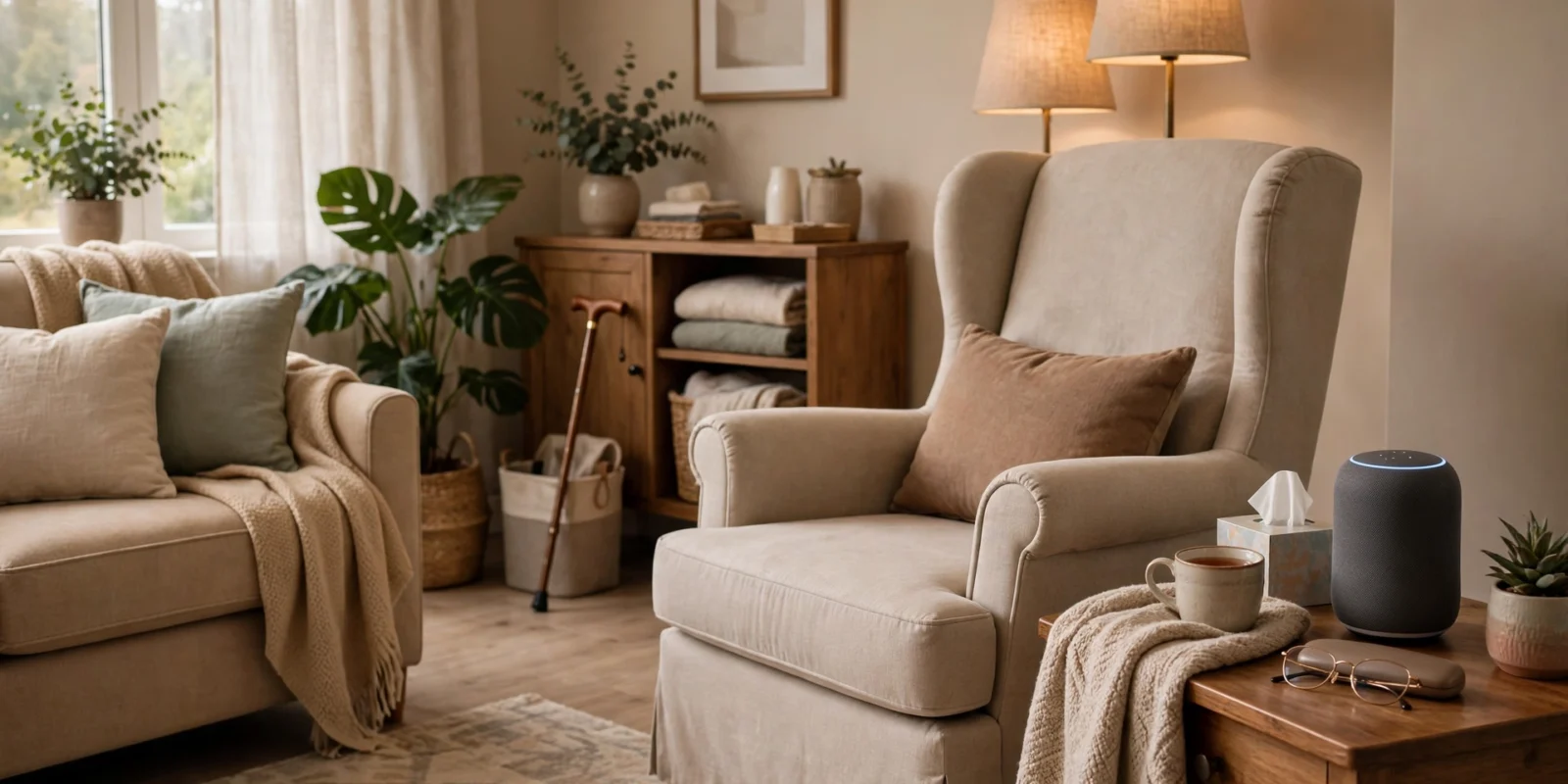
A voice-activated speaker is often the single most useful smart-home device for an older adult. With no buttons, screens or menus to navigate, the person simply speaks to make it work.
- Hands-free calling. “Call my daughter” connects without finding a phone, unlocking it and searching contacts — invaluable after a fall or during illness.
- Medication and appointment reminders. Daily spoken reminders at set times help with adherence. Pair these with a visible pill organiser for a simple, effective system.
- Everyday information. Weather, news, timers, simple questions — all answered by voice, which is genuinely empowering for someone with poor eyesight or arthritis.
- Routine check-ins. Many families set up a daily “good morning” routine where the assistant confirms all is well, offering peace of mind without intrusive monitoring.
Choose one assistant platform and stick with it — mixing systems creates confusion. Set it up fully before handing it over, including contacts, reminders and Wi-Fi, so it works from the first minute.
Smart lighting: preventing falls at night
Falls are one of the biggest risks for older adults living alone, and many happen at night on the way to the bathroom. Smart lighting directly addresses this.
- Motion-sensor night lights. Plug-in or battery motion sensors in the hallway and bathroom that switch on automatically when someone gets up — no fumbling for switches in the dark.
- Voice-controlled main lights. Being able to say “turn on the bedroom light” removes the need to cross a dark room.
- Scheduled lighting. Lights that come on at dusk and dim at bedtime create a predictable, well-lit environment without anyone needing to remember switches.
Keep it simple: bright, warm-toned lighting on the paths between bedroom, bathroom and kitchen matters far more than colour-changing bulbs or complex scenes.
Video doorbells and smart locks
Answering the door can be a genuine concern — for security, and for anyone unsteady on their feet who feels pressured to hurry. A video doorbell lets the person see and speak to visitors from wherever they are, even from a chair, before deciding whether to get up.
Smart locks add a related benefit: family members or carers can be given their own entry codes, so there’s no hidden spare key and no need to get up to let someone in. Codes can be changed or removed at any time, which is far more secure than copied keys.
Be honest about the trade-offs: these devices need reliable Wi-Fi and occasional charging or battery changes. If the older adult can’t manage that maintenance, plan for a family member to handle it — and make sure the traditional key or door chain still works as a backup.
Medication reminders and health routines
Missing doses or double-dosing is a common and serious problem. Technology can help, but the simplest tools are often the best:
- Voice-assistant reminders at fixed times each day, as described above.
- Smart pill dispensers that release the right dose at the right time and alert a family member if a dose is missed. These range from simple to sophisticated — match the device to the person’s actual needs.
- Phone or speaker alarms with clear labels (“Take morning tablets”) as a low-cost starting point.
No reminder system replaces a clear, up-to-date medication list kept where carers and paramedics can find it — on the fridge is the classic spot. Review medications with a doctor or pharmacist regularly, since needs change.
Fall-detection wearables
Several smartwatches and dedicated pendants can detect a hard fall and automatically alert emergency contacts or services if the wearer doesn’t respond. For someone living alone, this is one of the most meaningful safety nets available.
Be realistic about the limitations: detection isn’t perfect — false alarms happen, and some falls (slow slides rather than hard impacts) may not trigger an alert. Battery charging is a daily or near-daily task that some people will need help with. And a wearable only helps if it’s actually worn, so comfort and simplicity matter more than features.
Discuss options with the person’s doctor, especially if there have already been falls. A personal alarm service with a human response centre may suit some people better than a fully automated device.
Simple setup tips that actually work
- One ecosystem, minimal apps. Pick a single platform family so everything is controlled one way — ideally by voice.
- Set up everything in advance. Configure Wi-Fi, accounts, contacts and routines before the devices reach the older adult. The first experience should be “it just works”.
- Write a one-page cheat sheet. The five or six voice commands they’ll actually use, printed large. Tape it near the device.
- Label everything. A label maker on plugs, chargers and remotes prevents the classic “which cable is this?” confusion.
- Plan for internet outages. Keep manual switches, traditional keys and a landline or charged mobile as fallbacks. Smart features should be a bonus, not a single point of failure.
- Schedule a monthly check-in. Someone tech-comfortable should periodically check batteries, updates and that reminders still fire correctly.
Privacy: the honest conversation
Smart-home devices listen, watch and collect data — that’s how they work. For cameras and microphones inside the home, have an open conversation with the older adult about what’s installed, what it records and who can access it. Consent matters, even with the best intentions.
- Prefer local control where possible. Some devices process commands on the device itself rather than in the cloud; these generally expose less personal data.
- Review privacy settings together. Turn off voice-recording history storage and ad personalisation where the option exists.
- Be cautious with indoor cameras. They’re the most intrusive option. In most cases, motion sensors or check-in routines provide the safety reassurance families want with far less privacy cost.
- Secure the accounts. Strong, unique passwords and two-factor authentication on the smart-home accounts — managed by a trusted family member if needed — since a compromised account can unlock doors or view cameras.
What to avoid
- Buying everything at once. Start with one device that solves one real problem. Add more only if the first one is actually used and liked.
- Over-automation. Routines that trigger unexpectedly — lights flashing, speakers announcing things — confuse and distress many older users. Keep automations few, predictable and easy to override.
- Subscription surprises. Some devices need paid subscriptions for full features (video history, fall-alert monitoring). Check ongoing costs before buying, not after.
- Ignoring the person’s preferences. If they don’t want a camera in the hallway, don’t install one. Technology that feels imposed gets abandoned.
- Assuming setup is a one-time job. Wi-Fi passwords change, apps update, batteries die. Budget someone’s ongoing attention, not just the purchase price.
For most people, it's a voice-activated smart speaker. With no screens or buttons to learn, it handles hands-free calling, medication reminders, timers, weather and simple questions by voice alone. It's inexpensive, easy to set up in advance, and genuinely empowering for anyone with poor eyesight, arthritis or limited mobility. Start here before considering anything more complex.
Mostly no — voice assistants, video doorbells and app-controlled devices need an internet connection to function fully. That's why every smart setup needs non-smart backups: ordinary light switches that still work, a traditional door key alongside any smart lock, and a charged mobile phone or landline for emergencies. Treat smart features as a helpful layer on top of reliable basics, never as the only option.
They're a useful safety net but not perfect. Most detect hard impacts and alert emergency contacts if the wearer doesn't respond, yet false alarms happen and slow falls may not trigger them. They only help if worn consistently and kept charged, which some people need help with. For someone who has already fallen, discuss options with their doctor — a monitored personal alarm service may suit them better.
Have an open conversation with the older adult about what's installed and who can access it — consent matters. Turn off voice-recording history and ad personalisation in settings, secure accounts with strong passwords and two-factor authentication, and prefer motion sensors or check-in routines over indoor cameras, which are the most intrusive option. Only collect the data you genuinely need.
Yes, if you choose the right things and set them up completely in advance. Voice-controlled devices need no technical skill from the user — they just speak. Success depends on you doing all the configuration beforehand, providing a simple printed cheat sheet of commands, and starting with one device that solves a real problem. If they didn't ask for it and don't see the benefit, though, don't push it.
Conclusion
Smart-home technology can genuinely help older adults live independently and safely — but only when it’s chosen for real needs, set up thoroughly in advance, and kept simple. Start with a voice assistant and motion-sensor night lighting, add a video doorbell or medication reminders if they’re wanted, and always keep non-smart backups in place. The best smart home for a senior is one they barely have to think about.